2026-10-02
YXP Extra Event: Give Your Next Rank a Boost!
Earn 50 BONUS YXP with every €10+ order! Boost your progress, climb the ranks, and get more from your next purchase during the YXP Extra Event.



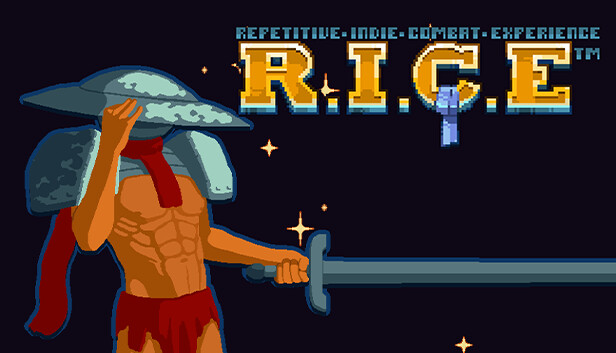
A more detailed description that knows what you’re here to order, a complete meal of destruction and mayhem. A serving of plain R.I.C.E is here for you: dramatic, spicy storyline that takes itself too seriously? Not a pinch. A huge cast of characters who complain endlessly? We cut the fat. Simple Fast-paced combat that’s arcade gaming distilled? Now that’s a good dish.
The Repetitive Indie Combat Experience™ is everything you need at the end of the day. Sword, six-pack, and nothing but planets to turn into stardust and (most importantly) to loot. Nothing is better than committing planetary genocide.
Indeed, you read that right. You’re killing entire planets. In a typical game, you’d start by beating rats with sticks, progressing up the food chain, and only then getting wrecked by bosses after two dozen hours in. Not here. Each run means slaughtering your way through an ecosystem in a single sitting, feeding on their experience for upgrades and dopamine.
Unless you, ya know, die. Pro-Tip: Dying is bad. Don’t do death.
Why bother killing planets? Same reason you murder in any other game, to get Loot. And the very best Loot comes from destroying entire civilizations with the planets they inhabit in one fell swoop. Eliminating worlds and their defenders at a quick pace awards you with newer and even better weapons and the upgrades for them.
Another Tip: Better Loot makes for Better Killing. But of course, you knew that already didn't you?
Each run completed by Not Dying and collecting Meta-Currency™ means even more options for the next one. Every card unlocked works on every weapon, synergises upgrades to create powerful builds, and offers the metaphorical sky as the limit (until you literally blow it away with the planet it’s on). We don’t do petty balancing or tweaking single numbers here.
Repetitive Indie Combat Experience is all about distilling combat to its rawest, purest form, stripping everything that gets in the way - including limits on your ability to destroy. Nothing will stand between you and your R.I.C.E.
Final Tip: Give into your primal desire to end lives and watch numbers go up.