This content requires the base game in order to play:Gloomhaven
Game Description
System Requirements
Activation Details
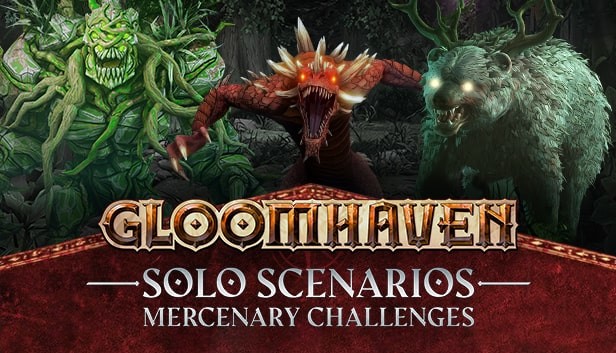
The Solo Scenarios: Mercenary Challenges DLC is the digital adaptation of the Solo Scenarios board game expansion for Gloomhaven, the critically acclaimed Tactical RPG.
Face 17 new carefully crafted missions by Isaac Childres, designer of the Gloomhaven Board Game. Each scenario comes with its own unique reward. There is a twist however, you can only complete each mission with its specific mercenary!
Each deadly scenario plays around the strengths and weaknesses of a specific mercenary and the reward is tailored to them. The scenarios are unlocked once the required mercenary reaches level 5 in the Story Campaign, giving you time to hone your skills. Additionally, you can unlock the items within the Guildmaster through that character’s story scenarios.
You can also take your current multiplayer save and complete the Solo Scenarios on your own and import them into your or the hosts’ next session. Alternatively, you can spectate your friends hopelessly trying to succeed in real time!
Face your greatest challenge
Extending the narrative of the Story Campaign, these scenarios are significantly harder than the base game. Play at your own risk, mercenary.
This DLC comes with:
17 new exquisitely punishing scenarios, each tailored to a specific base game Mercenary
17 new items, one for each of the original Mercenaries
Items & scenarios reworked and rebalanced by Isaac Childres to better fit the digital version
Processor: Intel Core i5-3470, AMD Ryzen 3 1200, or above
Memory: 8 GB RAM
Graphics: GeForce GTX 760, Radeon R9 280, or above
Storage: 10 GB available space
Directx: Version 11
windows Recommended
OS: Win 10 64bits
Processor: Intel Core i5-11400, AMD Ryzen 5 3600, or above
Memory: 16 GB RAM
Graphics: GeForce GTX 1070, Radeon RX Vega 64, or above
Storage: 10 GB available space
Directx: Version 11
To activate the game, you need a Steam Account
Login or register at the official Steam Website and download Steam client
Install and start application, login with your Account name and Password
Click the Games Menu.
Choose Activate a Product on Steam...
Follow the onscreen instructions to complete the process
After the successful code verification, go to the "MY GAMES" tab and start downloading.
News & Updates
2026-06-30
Monthly Recap - June Edition
The month of June kept things in the gaming world quite heated and summer is just beginning! We have the latest important updates prepared and they are certainly ones you should check out as the rest of the year shapes up to have outstanding titles coming up! Read on and find out everything about it in the following stories.
Think You’ve Seen the Best Summer Deals? Think Again!
Summer is here and we are already preparing for a super fresh season full of incredible delights and heated moments! Make an order of over 15€ between 26.06.2026 11:00 CET and 29.06.2026 15:00 CET and you will get our special SUMMER DEALS GIFT, which will contain one of the following: discount codes - 10% OFF, 20% OFF, 25% OFF or 50% OFF; discount vouchers - 1€, 2€, 5 or 10€; or a FREE GAME…