2026-10-23
BOO! Giveaway - Win a Game of Your Choice
Make a purchase of any amount between 23.10.2026 15:00 CET and 28.10.2026 15:00 CET, submit your Order ID in our Gleam and get a chance to win a FREE GAME (up to 50€).…



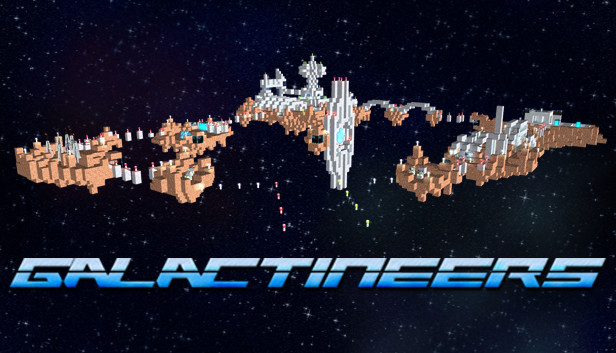
Galactineers is a genre-mix of open world sandbox game and realtime strategy game. You can use blocks and items to build your world in space, and also construct your own ships. Use your ships to raise an economy and build huge stations and bases, fight cooperative PVE missions, or challenge your friends in PVP arena battles.
Wether you need harvesters, cargo- and construction ships, observers, or even battle ships, the ship designer is the tool to create and customize your ships. You can choose from nearly 50 different block materials and hundreds of ship modules and stickers to customize your creation in look and functionality.
Higher level factories allow you to access more and higher level ship modules, but also allow you to build bigger ships. You can research, to unlock more materials, ship modules, or higher building levels.
Explore space to discover ressources, pirates nests, extra-terrestrial stations, PVP arenas, and PVE missions.
In PVP arenas, you can face off with your friends and see who built the best battle ships. You can bet for ship construction plans or ressources.
In PVE missions, you're challenged with a quest or objective, which you can try to accomplish alone, or cooperatively with up to 4 players. Win precious ressources, or unlock more ship modules for the ship designer.
Not only can you shape the world and ships to your imaginations, the game is also highly customizable! You can create own texture packs, add recipes to the foundry to modify the economical processes, or create asteroids, stations, or buildings in the Object Editor.
Using the Object Editor to create a map and the simple PHP Programming API, you can easily script your own PVE missions and add them to the game or share them with your friends.
Share missions, objects, and ships directly via the Steam Workshop and be part of the creative Galactineers community.