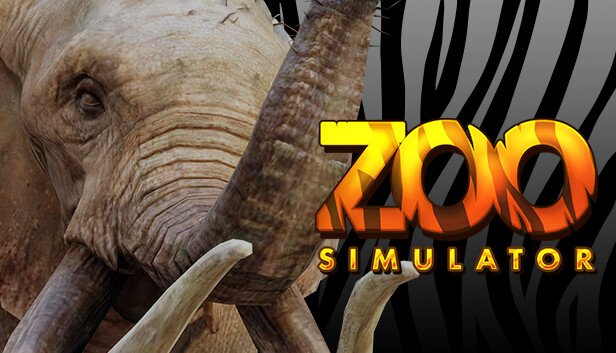
In Zoo Simulator, one of your first tasks will be to restore the zoo. You will have to put a lot of effort into cleaning neglected alleys and damaged places for your future animals. To do this, you will be using a lot of tools such as welders and water washers. Remember - hard work can result in a crowd of delighted visitors!
Various species of animals
There is no Zoo without the animals living in it, right? In our game, you decide which of them will live in your facility. Remember that the more interesting the specimens live in your zoo, the more people will want to see them, which means more income for your business. Sit down to the computer and choose from the most exotic and amazing animals from around the world!
Arrange runs for animals
Animals from the farthest corners of the world will appear in your zoo, they will also require appropriate living conditions - so you must take care of lairs, hiding places, and plants that will make them happy. There will be a lot of different elements in the game, which you will be able to freely move, position and rotate, thus creating unique zones for animals.
Look after them
In Zoo Simulator, you also need to take care of the well-being of your animals, which in return will repay you with peace, good health, and activity in their animal run. Feed them, look after them and pay special attention to their safety - animals love to nibble their nose wherever they have a chance to fit it! Thanks to this, animals will be more likely to show themselves to visitors and win their sympathy.
Develop your Zoo
As you run your business, you will need to develop it as well. There will be more visitors, which means more attractions that will be able to make their time more pleasant. Take care of the right number of public toilets and sanitary facilities, rest areas filled with benches and eating places where they will be able to eat! Also, don't forget to buy interesting new animals. It is extremely important that guests do not want to leave your zoo and will invite their friends.
windows Minimum
OS: Windows 10 64 Bit
Processor: Intel Core i3 3.0 GHz
Memory: 12 GB RAM
Graphics: Nvidia GeForce GTX 1060 6GB
Storage: 8 GB available space
Directx: Version 11
windows Recommended
OS: Windows 10 64 Bit
Processor: Intel Core i5 3.4 GHz
Memory: 16 GB RAM
Graphics: NVidia GeForce GTX 1060 6GB
Storage: 12 GB available space
Directx: Version 11
To activate the game, you need a Steam Account
Login or register at the official Steam Website and download Steam client
Install and start application, login with your Account name and Password
Click the Games Menu.
Choose Activate a Product on Steam...
Follow the onscreen instructions to complete the process
After the successful code verification, go to the "MY GAMES" tab and start downloading.
News & Updates
2026-08-21
The Biggest Games to Steal the Show at Gamescom 2026
Gamescom 2026 is coming at the end of this month with more than 900 exhibitors and we just wanted to showcase some of the upcoming games in the AAA titles category that you should definitely check out! So, be sure to go through our shortlisted future release hits in most gaming genre types, as we get ready to once again explore the world of Gamescom…
ACE COMBAT 8 Could Be the Series’ Most Ambitious Entry
The upcoming Ace Combat 8: Wings of Theve marks a completely new chapter in the popular flight shooting series, by effectively blending cinematic storytelling with the thrills of aerial combat like never before. Developed by Bandai Namco Aces Inc., the game will build upon the decades of established expertise in order to further boost the series’ strong sides…