2026-10-02
YXP Extra Event: Give Your Next Rank a Boost!
Earn 50 BONUS YXP with every €10+ order! Boost your progress, climb the ranks, and get more from your next purchase during the YXP Extra Event.



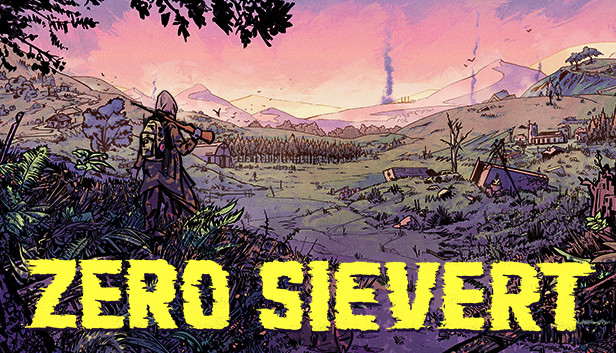
ZERO Sievert charges you with scavenging equipment across multiple areas, all set in an atmospheric fictitious post-apocalyptic Eastern Europe setting. Your base of operations, the bunker, is filled with traders, modding stations, and areas to make your own, providing you with progression across your excursions into the wild.
Once you’re out in the wilds of the wasteland, however, the situation becomes a lot less secure. Across the five biomes of the game, you’ll initially be armed with little more than a gun and a bottle of water, after which point it’s up to you to recover items, take out bandits, and most importantly, get back alive. Be warned; the nuclear fallout may have impacted some of the local wildlife...
Procedurally generated maps make every journey different, with ever-changing hiding spots, loot locations, and layouts. With over five maps to explore, be sure to adapt and learn each one's secrets to get in, get out, and get better.
Hunt in a way that suits your playstyle, with over 35 unique guns and 150 mods that can be combined to make you the biggest threat in the wastes of ZERO Sievert. Create a weapon that suits your style or focus on stats to become the ultimate hunter.
Multiple questlines guide you through the world of ZERO Sievert. Through talking with a range of characters, you’ll slowly unravel information and lore about the world that’s been left behind. Alongside this, there are more than 100 different items to loot, which can be used to craft new items, upgrade your own base, and trade.