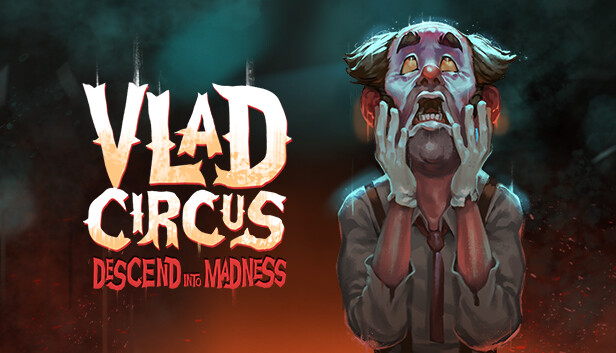
In Vlad Circus: Descend into Madness, discover a story full of mystery and pain where every shadow hides a twisted secret or vicious threat, and no one is safe from tragedy.
Experience the chilling story of a 1920s freak circus that burned to the ground, and the grotesque quest to found the circus anew. Follow the tormented Oliver Mills as he struggles to survive and escape.
Fall into the evocative pixel art, envelop yourself in the all-encompassing sound, and be enthralled by rich dialogue.
Features
A twisting, psychological horror tale with an unforgettable ending
Puzzle-solving elements and survival mechanics
A labyrinthine mansion of over 50 locations
Enchanting pixel art and dazzling 2D lighting system
Additional notes: Requires a 64-bit processor and operating system.
To activate the game, you need a Steam Account
Login or register at the official Steam Website and download Steam client
Install and start application, login with your Account name and Password
Click the Games Menu.
Choose Activate a Product on Steam...
Follow the onscreen instructions to complete the process
After the successful code verification, go to the "MY GAMES" tab and start downloading.
News & Updates
2026-11-06
Win GTA VI for PS5 with YUPLAY
Want to get your hands on GTA VI for PS5? We're giving one lucky winner the chance to win a copy of Grand Theft Auto VI. Head over to our X giveaway, follow YUPLAY, repost, and leave a comment for your chance to win.
This game does not default to external Bluetooth/USB controllers on Deck, and may require manually switching the active controller via the Quick Access Menu
All functionality is accessible when using the default controller configuration
This game shows Steam Deck controller icons
In-game interface text is legible on Steam Deck
This game's default graphics configuration performs well on Steam Deck