This content requires the base game in order to play:Valor & Victory
Game Description
System Requirements
Activation Details
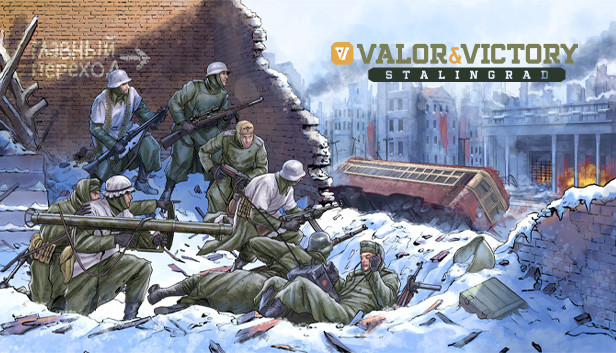
The first DLC for Valor & Victory is set during the Battle of Stalingrad and covers a wide range of settings and locations.
The DLC features thirteen brand new maps and fourteen scenarios: Vertyachi Bridgehead, The German Assault Begins, The Railway Station, The Grain Elevator, Mamayev Kurgan, Ludnyikov's Island, Pavlov's House (2 versions), The Dzerzhinskiy Tractor Factory, The Barrikady, Red October Steel Works, Uranus - Zhukov Strikes, Winter Storm - Mansteins Gambit, The End of Stalingrad.
A brand new playable faction has been introduced to the game: the Soviet Union. It comes with its own new units, support weapons, anti-tank guns, armors, transports and more.
Features
13 brand new maps available for both single player and multiplayer play
14 new scenarios that follow the historic of event of the Battle of Stalingrad
1 full new playable nation
A wealth of new features that are also made available to us in the original game
Free update released alongside the Stalingrad DLC
The Stalingrad DLC will be released alongside a free update for the base game. This update will contain significant additions in the form of new content and features to better represent the close conflict of the era. These include: infantry mortars, flamethrowers and off-board artillery support as well as air support, snipers, minefields, and more. On top of that new terrain types have been introduced, so you can have even more map variety than before.
OS: Windows 8 (the game might run on Windows 7, 64-bit but no support will be provided)
Processor: 1.5 Ghz
Memory: 2 GB RAM
Graphics: DirectX compliant video card - 1280x768 or higher resolution
Directx: Version 9.0
Sound card: DirectX compatible
windows Recommended
OS: Windows 10
Processor: 2.6 Ghz
Memory: 2 GB RAM
Graphics: DirectX compliant video card- 1920x1080 resolution
Directx: Version 9.0
Sound card: DirectX compatible
To activate the game, you need a Steam Account
Login or register at the official Steam Website and download Steam client
Install and start application, login with your Account name and Password
Click the Games Menu.
Choose Activate a Product on Steam...
Follow the onscreen instructions to complete the process
After the successful code verification, go to the "MY GAMES" tab and start downloading.
News & Updates
2026-04-21
From Wishlist to Courtroom: The Steam Lawsuits Explained
There have been numerous Steam court case lawsuits throughout the years and ever since the start of the year they have made the pile even bigger! We decided to check out some of the latest accusations against the popular gaming platform as well as go through some of the previous cases that caused a stir of Valve legal issues in the past! Gabe Newell and Valve have definitely not been strangers to the court system…
As you probably know, in a huge variety of game titles there are usually a lot of mainline task objectives, but very often there are multiple side quests that would advance you further in the gameplay. This is exactly why we decided to run a Side Quest promotion on our YUPLAY site. In order to participate in it you have to make an order over 20€ between 17.04.2026 18:10 CET and 20.04.2026 02:00 CET, and you will get a 1€ voucher for next purchase…