2026-10-23
BOO! Giveaway - Win a Game of Your Choice
Make a purchase of any amount between 23.10.2026 15:00 CET and 28.10.2026 15:00 CET, submit your Order ID in our Gleam and get a chance to win a FREE GAME (up to 50€).…



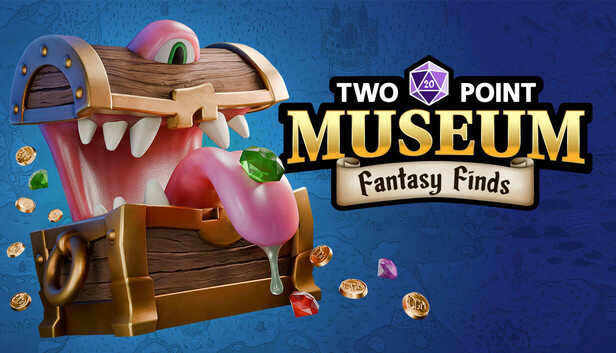
DLC Fantasy Finds Map Pack Includes:
Now hiring at Two Point Museum for Fantasy experts!
Must be well versed in either; Barbarian, Wizard, Ranger or Bard classes, and possess a degree of strength, dexterity, intelligence or luck stats… The purpose of your unique talents shall be revealed during your expedition debriefing…
Experts willing to accept the job role will be required to travel to newly discovered locations on an exclusive new fantasy expedition map that may or may not have a dragon “problem” due to the untold treasures located in the area.
There are several perks that come with joining the Two Point Museum team, not least of which is the magical gear you can equip OR display providing magical protection both on expeditions, or job security to fend off being fired.
Build a fantastical new area in our existing museums with exclusive new items and decorations so the more applicants the merrier! These exhibits won’t rescue themselves from a treasure-hungry dragon to be held and displayed in our fantastic new museum wing!!
JOIN THE TEAM NOW!