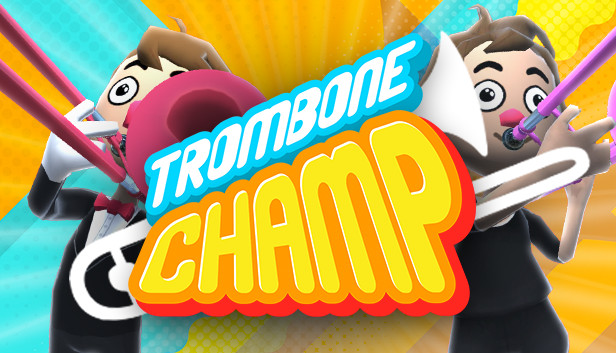
Trombone Champ is the world's first trombone-based rhythm music game. Unlike most music games, you can freely play any note at any time. You're not just following along with the music, you're actually playing the music!
Toot your way through over 50 tracks. The better you play, the more toots you earn!
Collect all 50 Tromboner Cards!
Baboons on nearly every screen!
Improvise and play whatever you want in Freeplay Mode!
Uncover the secrets of the Trombiverse and become the True Trombone Champ!
Absolutely zero microtransactions!
Appropriate for all ages!
Music
Trombone Champ features over 50 tracks, which include anthems, marches, classical pieces, electronica, folk classics, and more. The game also includes tracks from exciting guest artists. Each track has a unique animated background that moves with the music!
Tromboner Cards
Use the "Toots" you earn from playing songs to purchase sacks of Tromboner Cards. These cards can be used to unlock new tromboners, new trombone colors, and other mysteries!
Controls
Using a mouse, move your arm forward and back (as if you were holding a trombone slide), and the pitch of the note will slide up and down to match! Click or use the keyboard to blow! The sounds your trombone makes are completely controlled by you. The closer you are to the music track, the more points you will earn, but you have the freedom to play anything you want at any time!
Baboons
Nearly every screen in the game, beginning with the main menu, features one or more baboons. You won't believe how many baboons there are in this game! As you discover the secrets of the Trombiverse, their purpose may become clear... but only a true Trombone Champ will uncover their full meaning.
windows Minimum
Processor: Intel 3rd generation Core (ie. Core i7-3770) or higher
Memory: 2 GB RAM
Graphics: Intel HD 4000 or higher
Storage: 723 MB available space
Sound card: Integrated
To activate the game, you need a Steam Account
Login or register at the official Steam Website and download Steam client
Install and start application, login with your Account name and Password
Click the Games Menu.
Choose Activate a Product on Steam...
Follow the onscreen instructions to complete the process
After the successful code verification, go to the "MY GAMES" tab and start downloading.
News & Updates
2026-09-02
Get 50 Extra YXP for a Limited Time
Ready to level up your YUPLAY Loyalty progress? The YXP Extra Event is back, giving you another chance to earn 50 bonus YXP with every qualifying order. Spend at least €10 between 02.09.2026 15:00 CET and 07.09.2026 15:00 CET and get an extra 50 YXP on top of your regular Loyalty Program rewards!
ACE COMBAT 8 Could Be the Series’ Most Ambitious Entry
The upcoming Ace Combat 8: Wings of Theve marks a completely new chapter in the popular flight shooting series, by effectively blending cinematic storytelling with the thrills of aerial combat like never before. Developed by Bandai Namco Aces Inc., the game will build upon the decades of established expertise in order to further boost the series’ strong sides…