2026-10-02
YXP Extra Event: Give Your Next Rank a Boost!
Earn 50 BONUS YXP with every €10+ order! Boost your progress, climb the ranks, and get more from your next purchase during the YXP Extra Event.



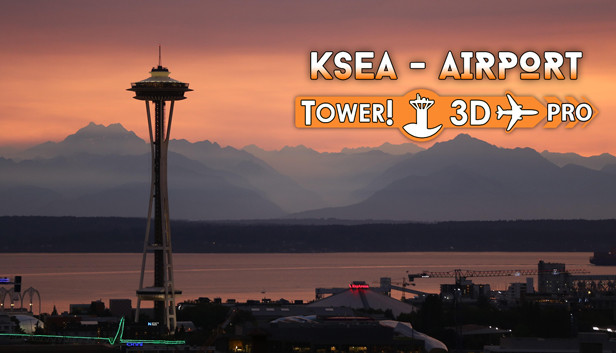

Seattle-Tacoma International Airport
(IATA: SEA, ICAO: KSEA, FAA LID: SEA), also known as Seattle Airport, SEATAC Airport and Sea-Tac, serves Seattle and Tacoma Area, Washington and all Seattle metropolitan area and is the largest airport in the Pacific Northwest region of the U.S
The airport has flights to cities throughout North America, Europe, the Middle East, and Asia. It is the primary hub for Alaska Airlines, whose headquarters are near the airport. It is also a hub and international gateway to Asia for Delta Air Lines, which has expanded at the airport since 2011. Thirty-four airlines serve 91 non-stop domestic and 28 international destinations.
In 2019, the airport was the 28th-busiest airport in the world and the eighth-busiest in the United States (right after San Francisco SFO) by passenger traffic, and is considered one of the fastest growing in the United States.
Seattle–Tacoma has 80 gates on four concourses and two satellite buildings.
The main terminal building is laid out in an "X" shape, with the four concourses forming a different arm. The two satellite terminal buildings, named the north and south satellite, are connected to the four concourses in the main terminal by a three-line automated people mover system called the Satellite Transit System. All international arrivals (except flights from cities with customs preclearance) are handled at the South Satellite Terminal, regardless of their departure terminal.