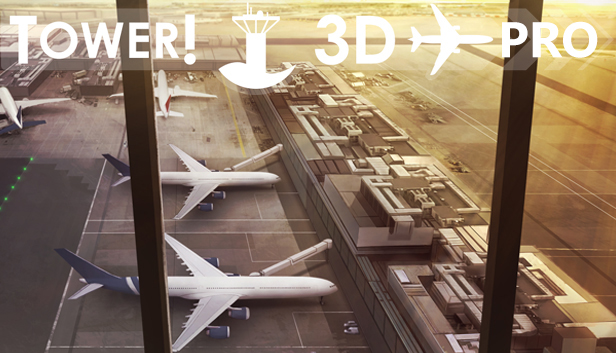
Tower!3D Pro is a successor of the best selling Tower! 2011 airport tower simulator.
Your assignment is to guide aircraft of various sizes and capabilities to and from the active runway for landing and takeoff. As a tower controller you must assure that it safe for a plane to enter or cross a runway, assign taxiway routes, when to stop and start movement, and clear aircraft for take off.
Tower!3d Pro provides you with flight strips, ground and air radar screens and a full 3D view of each airport.
Tower!3D Pro is no arcade game. With a complex command structure, advanced AI and Speech Recognition technology Tower!3D Pro will allow you to experience of the thrill of being a real air traffic controller.
FEATURES
3 photorealistic airports
Voice recognition
Multiplayer
Multi monitor
Advanced AI pilots to follow your commands
Stunning 3D rendering of the airports
Runway assignments for arriving and departing aircraft may be changed
Runway intersection takeoffs are simulated
Advanced routing to and from the runways and terminals can be assigned
Dynamic lighting and shadows, day-night cycles provide a stunning visual experience
Live airport with service cars for airplanes and vehicle traffic around the airports
windows Minimum
OS: 64 bit Windows 7 Pro / 8 / 10
Processor: 1.2 GHz
Memory: 4 GB RAM
Graphics: 1GB dedicated video card
Storage: 700 MB available space
Directx: Version 10
Network: Broadband Internet connection
Sound card: sound card is required for voice and speech
windows Recommended
OS: 64 bit Windows 7 Pro / 8 / 10
Processor: 1.8 GHz
Memory: 8 GB RAM
Graphics: 2GB dedicated video card
Storage: 1 GB available space
Sound card: sound card is required for voice and speech
To activate the game, you need a Steam Account
Login or register at the official Steam Website and download Steam client
Install and start application, login with your Account name and Password
Click the Games Menu.
Choose Activate a Product on Steam...
Follow the onscreen instructions to complete the process
After the successful code verification, go to the "MY GAMES" tab and start downloading.
News & Updates
2026-10-02
YXP Extra Event: Give Your Next Rank a Boost!
Earn 50 BONUS YXP with every €10+ order! Boost your progress, climb the ranks, and get more from your next purchase during the YXP Extra Event.