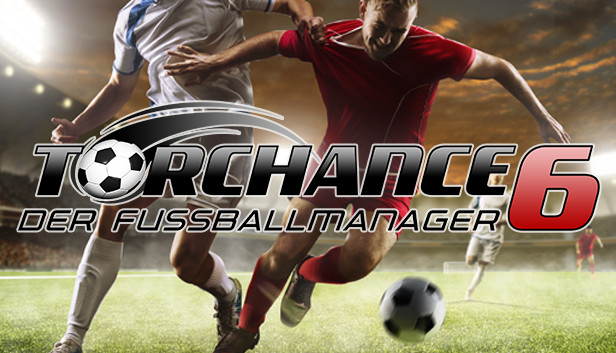
In Torchance 6, you take on the role of an aspiring football manager.
Up to 4 players can take on the task of managing all aspects of a football club.
Unlike other football management games, you can easily complete an entire season in less than 60 minutes if you wish. This makes this game ideal for a quick round or two when you only have a few spare minutes.
It's your choice:
Manage your own club and start in the 8th division.
Take over an existing team from the European top leagues.
Complete challenges.
and lead your team to success.
Torchance 6 returns to the virtues of classic football managers with an eye on the essentials.
Back to the roots:
Torchance 6 offers everything a good football manager needs.
Be it advertising, merchandising, transfer market, statistics, stadium expansion, expansion of the stadium environment, youth development, training camps, training, tactics, etc.
Torchance 6 offers numerous playing options:
Play in international leagues, master challenges, watch the game, etc. in text mode and negotiate, train and manage in detail.
Extensive league system:
8 leagues including numerous championships in almost 200 countries.
Extensive editor:
With the editor, players and club names can be changed and adapted as required.
With a face editor you can create your own player portraits.
From fans for fans:
Torchance 6 is developed by fans who can look back on 27 years of experience with football management games and who have a passion for football in their blood.
Features:
Playable in German and English
1-4 players on one PC
German and English language
Different game modes (found a club in the 8th league / take over club / accept challenges)
5 different levels of difficulty
196 countries
Matchday: text mode, scoreboard, 2D game mode
Comprehensive management: finances, squad planning, stadium expansion and construction, sponsors, training camps
Become a national coach and take part in European and World Cups
Login or register at the official Steam Website and download Steam client
Install and start application, login with your Account name and Password
Click the Games Menu.
Choose Activate a Product on Steam...
Follow the onscreen instructions to complete the process
After the successful code verification, go to the "MY GAMES" tab and start downloading.
News & Updates
2026-06-11
Celebrate FIFA World Cup 2026 with YUPLAY
The FIFA World Cup 2026 is coming in hot this summer and while these coming weeks it is all going to be centered around the best game in the world of sports, we decided to bring you a dedicated YUPLAY giveaway to commemorate the occasion together! This promotional giveaway campaign invites all of our followers to try and predict the exact final scores of selected matches from the World Cup…
First V-Bucks, Now Steam Decks: Why Gaming is Getting More Expensive
Has gaming been steadily becoming more and more expensive lately? In the past months and quarters there has definitely been an increase in pricing in both the software and hardware departments of gaming and this trend has definitely stricken the market in more than a couple of ways. The industry has experienced a trend of gaming price increases as well as more expensive subscriptions…