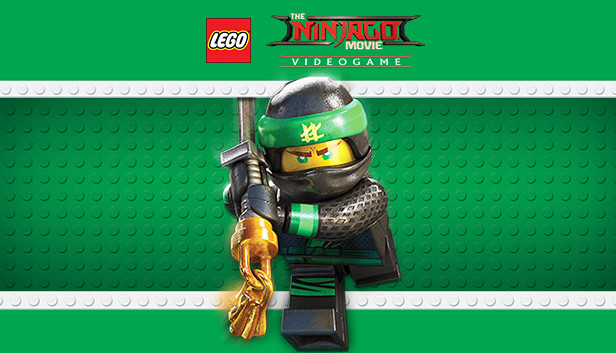
Find your inner ninja with the all-new LEGO Ninjago Movie Video Game! Play as your favourite ninjas, Lloyd, Jay, Kai, Cole, Zane, Nya and Master Wu to defend their home island of Ninjago from the evil Lord Garmadon and his Shark Army. Master the art of Ninjagility by wall-running, high-jumping and battling the foes of Ninjago to rank up and upgrade the ninja's combat skills. Only in the LEGO Ninjago Movie Video Game will you experience the film across 8 action-packed locations each with its own unique Challenge Dojo. And with the Battle Maps, play against friends and family in competitions for up to four players!
Additional notes: Windows XP and DirectX 9.0 and below are not supported
windows Recommended
OS: Windows 7/8/8.1/10 x86 and x64
Processor: Intel Core i5-2500K (4 * 3300) or equivalent / AMD FX-6100 (6 * 3300) or equivalent
Memory: 4 GB RAM
Graphics: GeForce GTX 750 Ti (2048 MB) / Radeon HD 7850 (2048 MB)
Storage: 20 GB available space
Directx: Version 11
Network: Broadband Internet connection
Additional notes: Windows XP and DirectX 9.0 and below are not supported
To activate the game, you need a Steam Account
Login or register at the official Steam Website and download Steam client
Install and start application, login with your Account name and Password
Click the Games Menu.
Choose Activate a Product on Steam...
Follow the onscreen instructions to complete the process
After the successful code verification, go to the "MY GAMES" tab and start downloading.
News & Updates
2026-10-23
BOO! Giveaway - Win a Game of Your Choice
Make a purchase of any amount between 23.10.2026 15:00 CET and 28.10.2026 15:00 CET, submit your Order ID in our Gleam and get a chance to win a FREE GAME (up to 50€).…
This game does not default to external Bluetooth/USB controllers on Deck, and may require manually switching the active controller via the Quick Access Menu
All functionality is accessible when using the default controller configuration
This game shows Steam Deck controller icons
In-game interface text is legible on Steam Deck
This game's default graphics configuration performs well on Steam Deck