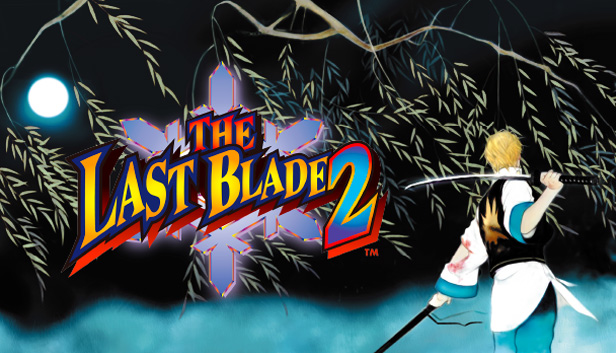
THE LAST BLADE 2 is SNK’s legendary weapons-based fighting game which was originally released in 1998 on SNK’s NEOGEO game system as a sequel to its predecessor THE LAST BLADE.
This widely revered NEOGEO masterpiece is finally available on STEAM! Not only a port of the original game, the STEAM version of THE LAST BLADE 2 will allow players from across the globe to fight against each other online / locally in epic battles in online Multiplayer Mode.
Discover (or rediscover) THE LAST BLADE 2, which is still considered as the pinnacle of weapons-based fighting games around the world!
GAME FEATURES
An epic storyline during the twilight period of the SAMURAI!
“Hell’s Gate”, the boundary between life and death. Four “Mythological Symbols" are about to fight to the death against an ultimate spirit awakened from the netherworld, in order to send him straight to "Hell's Gate"! Taking place during the end of the Edo-period, a truly mystical and spectacular story is about to unfold…
18 characters who are directed by their destiny cross swords!
In addition to 12 combatants (including boss character “Kagami” from the series’ predecessor), 4 new characters and 2 hidden ones join the gorgeous roster of 18 playable characters. Choose the character and fighting style which suits you the most, and prepare for an epic battle to seal “Hell’s Gate”!
Enjoyable strategies and a unique game system / game mechanics!
Select your favorite sword attack type among the “POWER”, “SPEED”, and “EXTREME” modes. Master the ”REPEL” mechanic to counter your opponent’s attacks, and when the right time comes, activate the “SUPER SECRET SLASH”, “HIDDEN SECRET SLASH” and “ENIGMA FRENZY-ATTACK” ultimate techniques in order to change the outcome of the battle!
This game does not default to external Bluetooth/USB controllers on Deck, and may require manually switching the active controller via the Quick Access Menu
All functionality is accessible when using the default controller configuration
This game shows Steam Deck controller icons
In-game interface text is legible on Steam Deck
This game's default graphics configuration performs well on Steam Deck