2026-10-23
BOO! Giveaway - Win a Game of Your Choice
Make a purchase of any amount between 23.10.2026 15:00 CET and 28.10.2026 15:00 CET, submit your Order ID in our Gleam and get a chance to win a FREE GAME (up to 50€).…



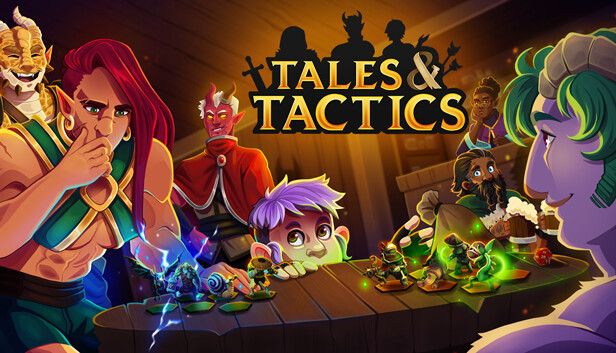
Tales & Tactics blends roguelike strategy with squad-based autobattling. Experience a deep one-of-a-kind strategy experience tailor-made for a single player adventure. There are no time limits and no pressure - you have all the time in the world to take in the game's mechanics and characters, and to strategize correctly for the fight ahead of you.
Guide your character’s story on their path to glorious victory in The Grand Tournament, the annual ultimate test of skill. Progress through a single-player adventure across 3 acts, battling rival characters and fierce bosses along the way.
Build a squad of units from a wide variety of fighters - from Fae, Dragons and Treefolk to Skeletons, Ghouls, and Orcs! Collect a team of Tanks, Healers, Mages, Engineers and more - using their synergies to turn the tide of battle in your favor.
Find powerful Equipment to give to your units, expand your Army Size, unlock new and more powerful tiers of Units, and acquire unique Level-Up Perks to help you on your journey. No two runs will have the same rewards on offer - and it’s up to you to make the most potent team possible.
Unlock new features with each run - win or lose. Gain new Perks, Units, Items, and more, with an Unlock system that prioritizes expanding depth instead of granting more power. Each of these unlocks can be disabled, so you can ramp up the new systems and mechanics at your own pace.
Once you’ve proven yourself in the Grand Tournament, try scaling the Challenge Climb, which adds both challenging difficulty increases and exciting new mechanics to the trials ahead. Or, try your hand at Asynchronous PVP - battle players from around the world in a true display of tactics and strategy!