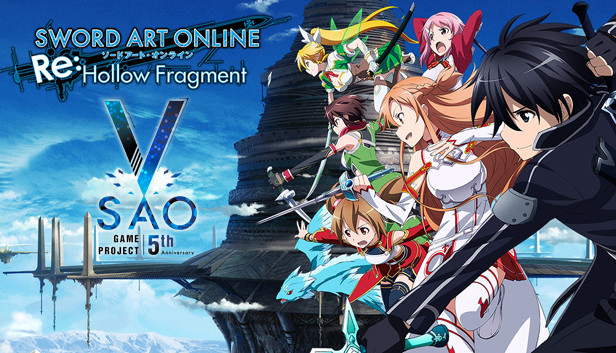
Take on the role of Kirito, the hero of the popular Sword Art Online anime series, and explore an expansive fantasy world alongside attractive companions!
From the base of Ark Sophia, a town located on the 76th floor, try to reach the 100th floor of Aincrad and explore the Hollow Area!
Strategically take down tough enemies to survive in this harsh world. Chat with your companions in real time while taking part in active, strategic battles!
Sound card: DirectX compatible soundcard or onboard chipset
To activate the game, you need a Steam Account
Login or register at the official Steam Website and download Steam client
Install and start application, login with your Account name and Password
Click the Games Menu.
Choose Activate a Product on Steam...
Follow the onscreen instructions to complete the process
After the successful code verification, go to the "MY GAMES" tab and start downloading.
News & Updates
2026-10-23
BOO! Giveaway - Win a Game of Your Choice
Make a purchase of any amount between 23.10.2026 15:00 CET and 28.10.2026 15:00 CET, submit your Order ID in our Gleam and get a chance to win a FREE GAME (up to 50€).…
Some functionality is not accessible when using the default controller configuration, requiring use of the touchscreen or virtual keyboard, or a community configuration
This game sometimes shows mouse, keyboard, or non-Steam-Deck controller icons
This game does not default to external Bluetooth/USB controllers on Deck, and may require manually switching the active controller via the Quick Access Menu
In-game interface text is legible on Steam Deck
This game's default graphics configuration performs well on Steam Deck