2026-10-23
BOO! Giveaway - Win a Game of Your Choice
Make a purchase of any amount between 23.10.2026 15:00 CET and 28.10.2026 15:00 CET, submit your Order ID in our Gleam and get a chance to win a FREE GAME (up to 50€).…



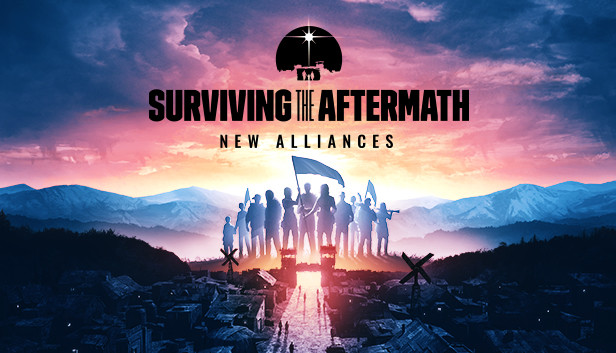

Become the Leader of the surviving societies in Surviving the Aftermath: New Alliances.
The future of humanity is in your hands: new settlements - and new enemies - arise, and what was just a memory of civilization can become a reality. Find allies, fight common enemies, and unite the Wasteland!
Stronger together: meet varied societies and help them with their requests to earn their loyalty and improve your colony with more than 12 new buildings.
Positive interactions with other societies increase your reputation. But fail to meet their expectations and you’ll see them join your new rival, who will gain more control over the Wasteland.
New enemies in a Dynamic World Map: bandits and beasts scour the Wasteland, compelling you to protect your settlement and those of your allies. Groups of bandits terrorize survivors and take over key locations. Make sure to defend and support other societies by trading and constructing new buildings whenever possible. An expanded user interface allows you to manage every single step to the unification of the Wasteland.
Covert missions: shaping a new world isn’t easy. And while collaboration is key, leaders can influence societies in more… subtle ways. Sabotage, theft, espionage, and even propaganda will become tools in your arsenal, and specialists’ skills will affect how likely they are to succeed in a mission. Be mindful of the consequences though: failure will decrease your reputation and give more control to your rival and may cause the societies you targeted to retaliate.