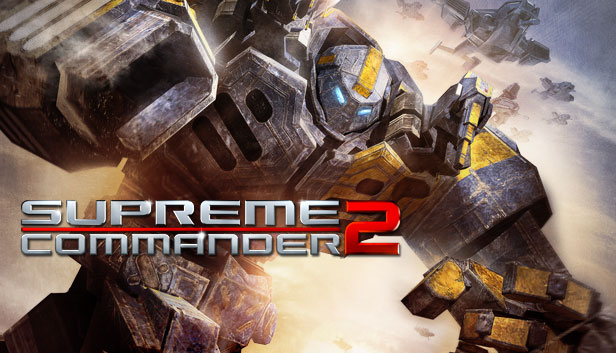
In Supreme Commander 2, players will experience brutal battles on a massive scale! Players will wage war by creating enormous customizable armies and experimental war machines that can change the balance of power at any given moment. Take the role of one of the three enigmatic commanders, each representing a unique faction with a rich story that brings a new level of emotional connection to the RTS genre, or fight the battle online. Where do your loyalties lie?
A deep and powerful story - element adds a personal, human aspect to a storyline previously focused on warring factions and the politics that fuel them. The single player campaign features three character-driven storylines set 25 years after the events of Supreme Commander: Forged Alliance
Command enormous armies made up of customizable land, air and naval units. Each of the three diverse factions – The United Earth Federation (UEF), the Cybran Nation and the Illuminate – have been completely redesigned from the original game, with many units.
Experimental units - returning with new designs and greatly enhanced looks….and some new tricks that can be unlocked through research
New Supreme Commander Gameplay Experience - players now have the ability to research new technologies and units and deploy them instantly on the battlefield, allowing them to upgrade a base-level tank to a high-powered, multi-barreled, AA-sporting monster by the end of a given game.
Strategic Mode UI - the redesigned UI that is faster, takes up less screen real-estate and gives better player feedback
New rendering technology that allows us to create visually spectacular environments
Sound card: No accelerated sound hardware required
Additional notes: Internet Connection with Cable / Broadband
windows Recommended
OS: Windows XP/Vista/Windows 7
Processor: 2.6 GHz or better, Dual Core AMD or Intel CPU
Memory: 2GB RAM (XP) 2GB RAM (Vista / Win 7)
Graphics: 256 MB VRAM DX9 compliant with Pixel Shader 3.0
Storage: 4-5 GB for full install & DirectX
Directx: DirectX 9.0
Sound card: No accelerated sound hardware required
To activate the game, you need a Steam Account
Login or register at the official Steam Website and download Steam client
Install and start application, login with your Account name and Password
Click the Games Menu.
Choose Activate a Product on Steam...
Follow the onscreen instructions to complete the process
After the successful code verification, go to the "MY GAMES" tab and start downloading.
News & Updates
2026-09-02
Get 50 Extra YXP for a Limited Time
Ready to level up your YUPLAY Loyalty progress? The YXP Extra Event is back, giving you another chance to earn 50 bonus YXP with every qualifying order. Spend at least €10 between 02.09.2026 15:00 CET and 07.09.2026 15:00 CET and get an extra 50 YXP on top of your regular Loyalty Program rewards!
ACE COMBAT 8 Could Be the Series’ Most Ambitious Entry
The upcoming Ace Combat 8: Wings of Theve marks a completely new chapter in the popular flight shooting series, by effectively blending cinematic storytelling with the thrills of aerial combat like never before. Developed by Bandai Namco Aces Inc., the game will build upon the decades of established expertise in order to further boost the series’ strong sides…
Some functionality is not accessible when using the default controller configuration, requiring use of the touchscreen or virtual keyboard, or a community configuration
This game sometimes shows mouse, keyboard, or non-Steam-Deck controller icons
Entering some text requires manually invoking the on-screen keyboard
Some in-game text is small and may be difficult to read
This game's default graphics configuration performs well on Steam Deck