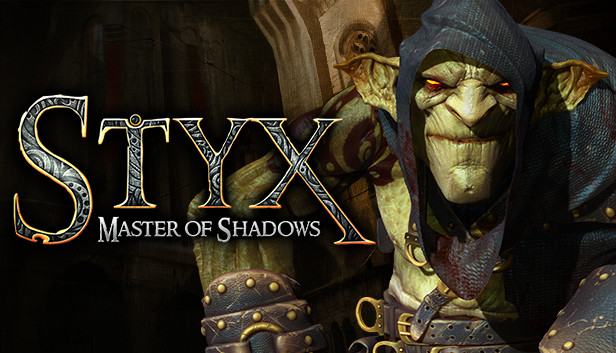
Styx: Master of Shadows is an infiltration game with RPG elements taking place in a dark fantasy universe, where you sneak, steal and assassinate your way through as Styx, a Goblin two-centuries of age.
Deep inside the vertiginous and multi-layered forsaken Tower of Akenash, where Humans and Elves protect the World-Tree, source of the Amber – a powerful and magical golden sap – is hidden Styx’ chance to understand his true origin... and to make a fortune at the same time.
Prowl through the huge, miles-high Tower of Akenash, completing various missions (assassination, information recovery, etc.) and avoiding detection. Progress in the shadows, assassinate your targets in close combat, or orchestrate «accidents». RPG mechanics let you unlock new powerful skills, impressive special moves, and an optimized equipment. Amber will grant you spectacular powers such as invisibility, «amber vision», and the ability to clone yourself. Explore the levels to discover every bit of information about your past, and steal prized treasures to acquire equipment upgrades. Embrace the shadows!
Mission areas featuring truly organic player path-finding
A strong focus on hardcore stealth and infiltration: progress through the shadows with a sense of verticality, and explore to find hidden treasures
Upgrade your skills along six unique skill-trees to improve your stealth, assassination, and technique.
Distract, solve, smother and prowl with your clone
Graphics: 1024 MB 100% DIRECTX 9 AND SHADERS 4.0 COMPATIBLE AMD RADEON HD 5850/NVIDIA GEFORCE GTX 560 OR HIGHER
Storage: 8 GB available space
Sound card: DIRECTX 9 COMPATIBLE
Additional notes: INTERNET CONNECTION REQUIRED FOR THE GAME ACTIVATION
To activate the game, you need a Steam Account
Login or register at the official Steam Website and download Steam client
Install and start application, login with your Account name and Password
Click the Games Menu.
Choose Activate a Product on Steam...
Follow the onscreen instructions to complete the process
After the successful code verification, go to the "MY GAMES" tab and start downloading.
News & Updates
2026-03-09
Cursed Date? Not for Our Lucky Customers
Even though Friday the 13th is widely considered as an unlucky date, we at YUPLAY are trying to flip the script for that and turn it into a lucky day for you and this time is not an exception to the rule! We are delighted to announce our FRIDAY 13TH promo and you should absolutely read on the article in order to find out how to best take advantage of this campaign and turn your luck in the right direction for the occasion…
Even though February is the shortest month of the year it is still quite eventful in the gaming industry and there were quite a few things going on around it! We have selected a few of the more intriguing stories about some of the bigger game title hits that are worthy to be included in our monthly recap, as well as some memorable comebacks that you should not miss out on! Get ready for the rumble as we set out…
This game does not default to external Bluetooth/USB controllers on Deck, and may require manually switching the active controller via the Quick Access Menu
All functionality is accessible when using the default controller configuration
In-game interface text is legible on Steam Deck
This game's default graphics configuration performs well on Steam Deck