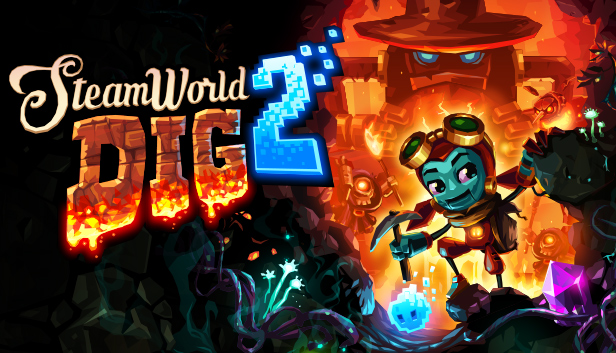
SteamWorld Dig 2 takes you on a platform mining adventure forged in Metroidvania flames. When an old trading town is struck by mysterious earthquakes, it’s up to a lone steambot and her unlikely companion to uncover what trembling terrors lie beneath.
Dig your way underground and explore vivid worlds riddled with treasure, secrets and traps.
Combat dangerous enemies at every turn of the underworld’s twisted paths, including shadowy creatures and the haunted remains of an ancient electrical threat.
Upgrade your gear to forge deeper into the earth and take on bigger challenges.
Swing across large chasms with your Hookshot and fly through caves with the Jet Engine!
And finally, learn the truth about your long lost friend…
Graphics: OpenGL 2.1-compatible, 512 MB video memory, framebuffer object support. E.g. Intel HD 4600 or better.
Storage: 350 MB available space
Additional notes: You may need to update your graphics drivers for OpenGL 2.1 support.
windows Recommended
Processor: 2 GHz dual-core
Graphics: Geforce GTX 660 / Radeon 7870 or better.
macosx Minimum
OS: 10.7 (Lion)
Processor: 2 GHz
Memory: 1024 MB RAM
Graphics: OpenGL 2.1-compatible, 512 MB video memory, framebuffer object support. E.g. Intel HD 4600 or better.
Storage: 350 MB available space
Additional notes: You may need to update your graphics drivers for OpenGL 2.1 support.
macosx Recommended
Processor: 2 GHz dual-core
Graphics: Geforce GTX 660 / Radeon 7870 or better.
linux Minimum
OS: Steam OS 2.0 / Ubuntu 14.04 LTS (64-bit)
Processor: 2 GHz
Memory: 1024 MB RAM
Graphics: OpenGL 2.1-compatible, 512 MB video memory, framebuffer object support. E.g. Intel HD 4600 or better.
Storage: 350 MB available space
Additional notes: You may need to update your graphics drivers for OpenGL 2.1 support.
linux Recommended
Processor: 2 GHz dual-core
Graphics: Geforce GTX 660 / Radeon 7870 or better.
To activate the game, you need a Steam Account
Login or register at the official Steam Website and download Steam client
Install and start application, login with your Account name and Password
Click the Games Menu.
Choose Activate a Product on Steam...
Follow the onscreen instructions to complete the process
After the successful code verification, go to the "MY GAMES" tab and start downloading.
News & Updates
2026-03-30
Join the Easter Raid Party and Win a Free Game
The Easter season is here and since we like this part of the year so much, we have made sure to have prepared a special YUPLAY promotional campaign for those of you that are ready to go into the Raid Party and grab a FREE gaming title. All you have to do is make an order above 20€ between 02.04.2026 15:00 CET and 08.04.2026 15:00 CET, and you will get a FREE game as ab Easter present from us…
Early Spring season has definitely delivered on some exciting updates, game announcements, and promising releases to be on the lookout for until the end of this year. So, let’s immediately have a better look at some of the more outstanding news that happened on the gaming scene during the month of March 2026 that we decided to cover for you…