2026-10-28
Trick or Treat? Halloween Is Back at YUPLAY!
For every purchase over 13.99€ made between 28.10.2026 15:00 CET and 02.11.2026 15:00 CET you will get a FREE game treat…



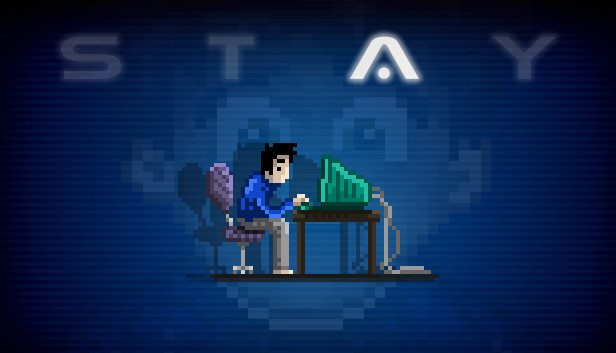
What would you do if a stranger’s fate rested in your fingertips? And how would you cope if every second counted? Award-winning graphic adventure STAY asks those very questions: When Quinn wakes up alone in a locked room with nothing of note save for a computer hooked up to a chat room, you become his single ray of hope. Your choices – and your timeliness – will single-handedly shape his escape efforts… or lead him down the path to an untimely end.
STAY plays out in real-time, meaning that every minute spent away from the game is a minute Quinn is left alone. Drop out of conversations or leave Quinn to fend for himself for too long and there may be consequences.
Quinn is on edge, and so every response matters. Prove yourself a compassionate ally and he’ll learn to trust you and share his findings and deepest thoughts. Fail, and his emotions may work against you.
Featuring 24 chapters, seven different endings, dozens of potential deaths and entire webs of conversation, STAY is designed to be replayed multiple times. Explore different rooms and unearth hidden secrets in subsequent playthroughs to piece together the full story.
Webcams enable you to spy on Quinn, letting you see both his reactions to your comments and his actions while AFK. Pick up on his lies and use that knowledge to your advantage.
Help Quinn get the better of the conundrums he encounters inside his prison by taking direct control of his actions during puzzle sections.