2026-10-02
YXP Extra Event: Give Your Next Rank a Boost!
Earn 50 BONUS YXP with every €10+ order! Boost your progress, climb the ranks, and get more from your next purchase during the YXP Extra Event.



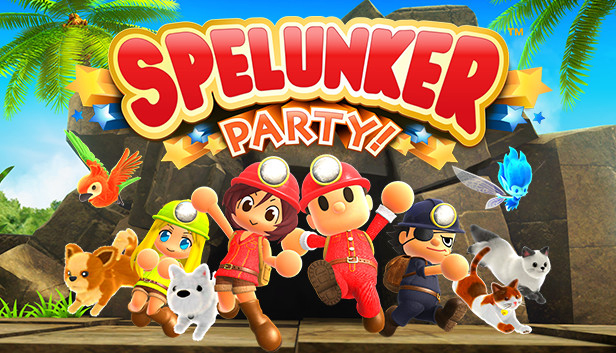
One night, a great rumbling sound awoke Spelunkette with a fright. A comet had hit the earth and strange things had been happening ever since. The Faerie Chief said that they were caused from something deep underground. What lies in its depths? Spelunkette hurried off to Base Camp, excited for an adventure!
Explore and solve mysteries in the depths of the caves! A variety of traps, creatures and even wicked ghosts will stand in your way! Jump over dangerous pitfalls! Use bombs to blow up boulders that block the way! Use flares to scare away the bats! Blow away spooky ghosts with your portable fan! There are many ways to use your items.
You can obtain new costumes and items by collecting the Litho-orbs hidden in the caves! These items will improve your abilities and change your look as well!
Online and Offline Co-op multiplayer! Work together with your friends and maybe you will find a new path. Iconized chat will help you with easy and casual communications with your buddies, so don’t worry about language!
Complete new items by collecting Litho-orbs! Each item has a special ability to help you on your adventure! They can also change your look, so equip them as you like and show off to your friends!
Adorable pets are your reliable partners in this adventure! Each pet has a special ability, like finding a hidden item or rescuing your friends, so take them with you and your exploration will be more advantageous and fun!
There are more playable characters as you move forward in the cave and meet new buddies!
Good luck and have fun!