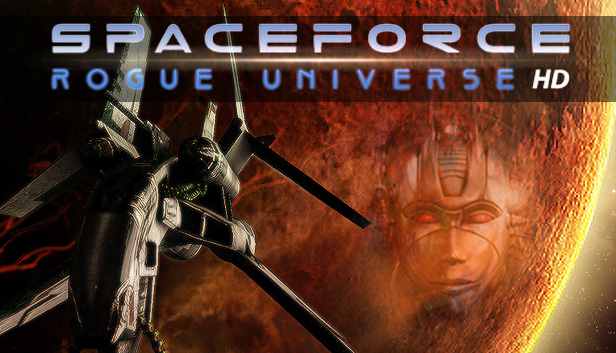
One of the best-selling space simulation games in this decade, adapted to over ten languages across the globe. Space Force - Rogue Universe is an action RPG space simulation game, with emphasis on key elements such as ship development, exploration of an immersive universe and freedom of choice. After the pilot leaves the starting zone, Space Force - Rogue Universe opens an almost unlimited space for exploration. Rogue Universe is a beautiful, open ended and innovative 3D space environment decorated with stars, planets, moons and asteroids. Comets, black holes, star bases and floating cities are all available for exploration. As with all societies, there is crafting, trade, diplomacy and inevitable fights. Rogue Universe boasts of an in-depth storyline, with lots of opportunities that will thrill the action oriented player, but also inspire the adventurer and trader. Space Force - Rogue Universe offers small-scale or huge space battles, a vast range of different quests, and a story-filled game.
Players will have the opportunity to engage in trading, exploration, fighting, crafting, quest solving, diplomacy related decision-making, in addition to ship development and other activities. The player may choose to view the environment through camera mode in first or third person POV. The player can choose between 10 professions and 14 spacecrafts. Earn money and experience points and advance to higher levels. Since AI has a crucial role in Space Force, it will create a thrilling playing experience throughout the game. Space Force - Rogue Universe features an economic system that allows you to buy and sell commodities for profit. You can also buy new ships or new upgrades for your ship. In the space station trade centre you will find a list of what goods are for sale. Check your ship's characteristics to see how much cargo space and weight is available and how much is already used. Prices and wares differ from one system to the other, so you have to do some exploration and find optimal trade routes.
windows Minimum
OS: Windows XP / Windows Vista / Windows 7/ Windows 8
Login or register at the official Steam Website and download Steam client
Install and start application, login with your Account name and Password
Click the Games Menu.
Choose Activate a Product on Steam...
Follow the onscreen instructions to complete the process
After the successful code verification, go to the "MY GAMES" tab and start downloading.
News & Updates
2026-08-21
The Biggest Games to Steal the Show at Gamescom 2026
Gamescom 2026 is coming at the end of this month with more than 900 exhibitors and we just wanted to showcase some of the upcoming games in the AAA titles category that you should definitely check out! So, be sure to go through our shortlisted future release hits in most gaming genre types, as we get ready to once again explore the world of Gamescom…
ACE COMBAT 8 Could Be the Series’ Most Ambitious Entry
The upcoming Ace Combat 8: Wings of Theve marks a completely new chapter in the popular flight shooting series, by effectively blending cinematic storytelling with the thrills of aerial combat like never before. Developed by Bandai Namco Aces Inc., the game will build upon the decades of established expertise in order to further boost the series’ strong sides…