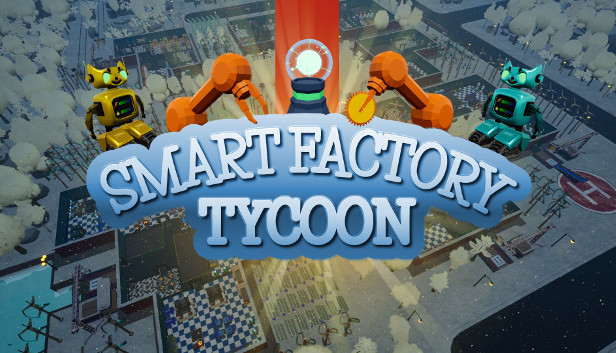
Smart Factory Tycoon is a tycoon management game about running your dream factory with robots. Design your dream factory, plan all steps of production, research new technologies and become a tycoon!
Machines & Robots
Purchase new machinery and unlock advanced machines to produce every type of products in the market
Purchase new robots with varying colors and watch them coming to your factory by different transportation options: balloon, mine cart, boat, parachute, PWC or bus
Use the skill points to level up your robots (Movement speed, processing speed, charge capacity, oil capacity)
Purchase chargers, super chargers, wireless chargers, and lubricators for your robots rooms
Upgrade your machines, solar panels, wind turbines, chargers and lubricators for faster production and increased efficiency
Fully automated machine-maintenance by drones
Production & Market
Plan all steps of the production
Purchase high quality raw material to produce healthy and durable products
Analyze the market to be aware of trending products
Check the general market categories (Basic-Medium-Master) and Special Orders
Increase your health, durability and sustainability levels to be eligible for some products in the market
Sustainability & Economy
Purchase wind turbines and solar panels to reduce electricity costs and increase your sustainability
Plant trees in your gardens to be a sustainable factory
Earn more money and XP to take the first place in the leaderboard
Do the math and be aware of your expenses! Don't go bankrupt!
Invest & Research & Development
Research new technologies to improve your factory
Purchase new buildings and deliver your products by rail, sea, and air
Build new rooms for robots and production
Place your product zones and define their types as general or export
Achieve milestones to earn more XP and level-up your factory
windows Minimum
OS: Windows 7 64-bit | Windows 8 64-bit | Windows 10 64-bit