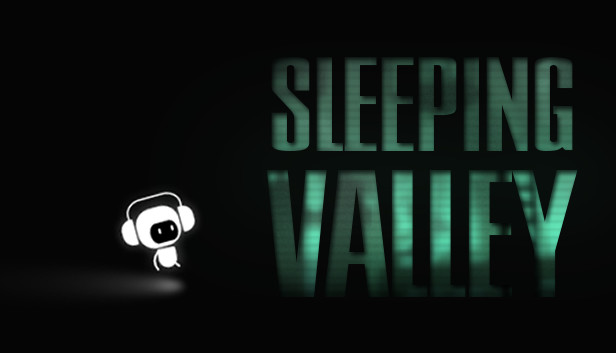
In Sleeping Valley you only have one life to live and it's your job to see how far you can take this cute character on his brutally hard journey.
Contols are easy to understand: you can move character with the arrow keys and jump over brutal obstacles by pressing the space bar.
Key Features:
Many colorful stages
Lots of different and hard levels
Easy on the eyes
Ambient Soundtrack
windows Minimum
OS: Windows 7 or newer
Processor: 1.5 Ghz
Memory: 1 GB RAM
Graphics: 512 MB GRAM
Storage: 44 MB available space
Sound card: optional
To activate the game, you need a Steam Account
Login or register at the official Steam Website and download Steam client
Install and start application, login with your Account name and Password
Click the Games Menu.
Choose Activate a Product on Steam...
Follow the onscreen instructions to complete the process
After the successful code verification, go to the "MY GAMES" tab and start downloading.
News & Updates
2025-12-13
Test Your Gaming IQ with YUPLAY and Win
As the holiday season is already nearly here, we prepared a special Christmas Giveaway that would let you test your gaming IQ with YUPLAY and win some awesome prizes while doing it! Make sure to regularly check and follow our YUPLAY X profile in order to be in the know about any possible chances to participate and enter the Christmas Giveaway in a timely manner. Are you up to the challenge and ready to guess some great gaming titles?
Dive Into 2025’s Most Addictive Video Games – Part 2
As you probably know, we separated the most addictive video games blog into 2 dozens of Steam games in almost all of the main gaming genres, so there should be something for everyone to enjoy on it! Now we are here to continue our list and if you checked out the first part of it, you know we made sure to discuss some of the top hit games that recently got released. We assure you there will not be bad titles in the second part as well, so let’s head over to the first entry in part 2 immediately!
This game sometimes shows mouse, keyboard, or non-Steam-Deck controller icons
This game does not default to external Bluetooth/USB controllers on Deck, and may require manually switching the active controller via the Quick Access Menu
All functionality is accessible when using the default controller configuration
In-game interface text is legible on Steam Deck
This game's default graphics configuration performs well on Steam Deck