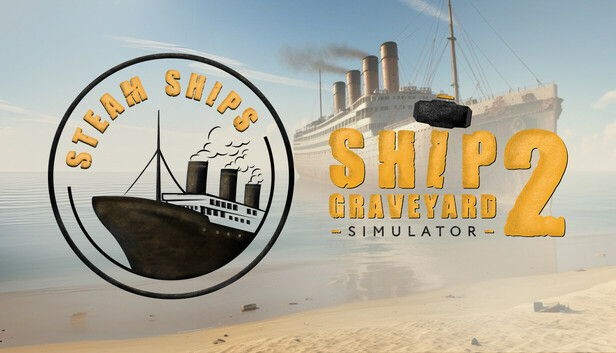
Ship Graveyard Simulator 2: Steam Ships DLC – New challenges, new secrets of steamships!
Three unique steamships
Take on the dismantling of a ship that once saved human lives, discover the secrets of a one-of-a-kind steam-powered aircraft carrier and face a wreck whose history still stirs emotions around the world. Each ship brings new challenges and hidden treasures to discover
Lingering coal – a new challenge on your path
Before you get to the ship construction, a new, additional challenge awaits you in this DLC. The interiors filled with coal require a thorough cleaning - only then will you be able to start dismantling the last hulls
A magnet on a crane - a free new feature for EVERYONE!
A new tool will make work in the scrapyard easier! Thanks to the powerful magnet mounted on the crane, you will quickly lift and sort heavy elements, speeding up the entire dismantling process.
New contracts, finds and achievements
Each ship hides valuable items, mysterious documents and extraordinary stories. New missions, hidden treasures and unique achievements await you in the Steam Ships DLC that will test your exploration and dismantling skills.
Prepare to meet the legends of the sea and discover what their steel hulls hide!
windows Minimum
OS: Windows 10 64 Bit
Processor: Intel Core i3 3.0 GHz
Memory: 12 GB RAM
Graphics: Intel Arc 380, Nvidia GeForce GTX 960
Storage: 8 GB available space
Directx: Version 11
Additional notes: Recommend installation on an SSD drive
windows Recommended
OS: Windows 10 64 Bit
Processor: Intel Core i5 3.4 GHz
Memory: 12 GB RAM
Graphics: Intel Arc 580, GTX 1660 Ti
Storage: 12 GB available space
Directx: Version 11
Additional notes: Recommend installation on an SSD drive
To activate the game, you need a Steam Account
Login or register at the official Steam Website and download Steam client
Install and start application, login with your Account name and Password
Click the Games Menu.
Choose Activate a Product on Steam...
Follow the onscreen instructions to complete the process
After the successful code verification, go to the "MY GAMES" tab and start downloading.
News & Updates
2026-09-17
Celebrate Fall and Collect Your Free Game Drop
Summer is over and the new gaming season starts with a blast at YUPLAY, so for this occasion we decided to bring you a massive storewide promotion with a surprise FREE game as a gift from us. All you have to do to participate is make an order over 9.99€ between 17.09.2026 15:00 CET and 21.09.2026 15:00 CET, and you will get your FREE game together with the ones you have purchased…
Ready to level up your YUPLAY Loyalty progress? The YXP Extra Event is back, giving you another chance to earn 50 bonus YXP with every qualifying order. Spend at least €10 between 02.09.2026 15:00 CET and 07.09.2026 15:00 CET and get an extra 50 YXP on top of your regular Loyalty Program rewards!