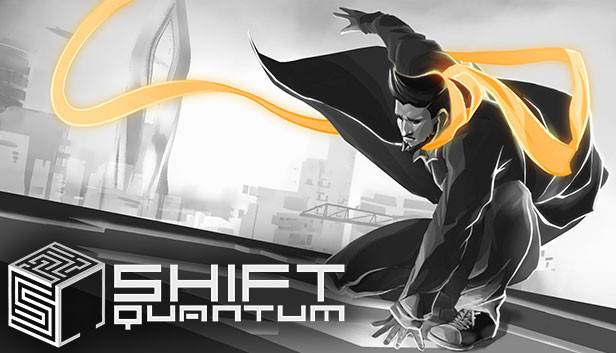
Axon Vertigo, the world's leading authority and most trusted friend in cerebral contentedness programming, promises to deliver better life quality for everyone with the Shift Quantum program.
Connected to the cyber-noir action-puzzle platformer, you will be tasked to solve puzzles and create negative space by inverting the world to transform barriers into escape routes.
Shift the world, twist your environment, bend your mind to unveil its secrets and solve each brain-drilling level.
Make use of all special gameplay blocks to overcome obstacles and get to the exit to find the happiness you have been searching for and promised by Axon Vertigo.
Join Axon Vertigo's Level Editor for the Shift Quantum program to create your own custom levels and publish them to the community to get played, rated and featured.
Don't limit your challenges, challenge your limits.
FEATURES
Stylish black and white game world set in a cerebral cyber reality
8 new and unique gameplay elements to challenge your brain with puzzle and action mechanics
A brand new story based on a mysterious AI controlled character
Solo content with over 100 unique levels that will test your abilities like never before
An easy-to-use, fully fledged cross-platforms level editor allowing you to create your own levels
Share and play levels from other platforms (Xbox one, Playstation 4 and Switch)
Level creation contests, speedruns and weekly votes for top levels and showcase
Astounding cyber-noir soundtrack to Shift Quantum created by Volkor X and Simon Felix.
Graphics: ATI Radeon HD6000 series -OR- GeForce GTX 600 (Does not support Intel Integrated Graphics Cards)
Storage: 2 GB available space
Sound card: Any integrated or dedicated sound card that supports directsound
Additional notes: Online connection is required to share and download community levels
To activate the game, you need a Steam Account
Login or register at the official Steam Website and download Steam client
Install and start application, login with your Account name and Password
Click the Games Menu.
Choose Activate a Product on Steam...
Follow the onscreen instructions to complete the process
After the successful code verification, go to the "MY GAMES" tab and start downloading.
News & Updates
2026-08-21
The Biggest Games to Steal the Show at Gamescom 2026
Gamescom 2026 is coming at the end of this month with more than 900 exhibitors and we just wanted to showcase some of the upcoming games in the AAA titles category that you should definitely check out! So, be sure to go through our shortlisted future release hits in most gaming genre types, as we get ready to once again explore the world of Gamescom…
ACE COMBAT 8 Could Be the Series’ Most Ambitious Entry
The upcoming Ace Combat 8: Wings of Theve marks a completely new chapter in the popular flight shooting series, by effectively blending cinematic storytelling with the thrills of aerial combat like never before. Developed by Bandai Namco Aces Inc., the game will build upon the decades of established expertise in order to further boost the series’ strong sides…
Some in-game text is small and may be difficult to read
This game does not default to external Bluetooth/USB controllers on Deck, and may require manually switching the active controller via the Quick Access Menu
All functionality is accessible when using the default controller configuration
This game shows Steam Deck controller icons
This game's default graphics configuration performs well on Steam Deck