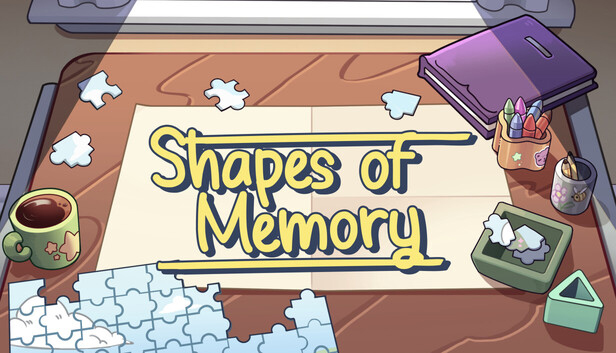
Shapes of Memory is a relaxing Jigsaw Puzzle game set in the Suitcase Stories universe. Revisit nostalgic memories, piece together beautiful hand-illustrated art, and enjoy a tranquil atmosphere. Expect a zen experience, timer-free, focused purely on the satisfaction of putting every piece in its place.
Rebuild the past
The suitcases and memories of Suitcase Stories have been transformed into classic puzzles. From organized luggage to retro game covers, your mission is to find order in the chaos. Drag, drop, and feel the perfect fit of each artistic fragment.
Play at your own pace
There are no scores, time limits, or failure states. Shapes of Memory is designed to be a calming pause in your day. Prepare a warm drink, relax with the soft soundtrack, and solve puzzles in your own time.
Complete your gallery
Choose from various illustrations ranging in complexity. Each completed image is a small victory, a restored memory you can admire in your collection.
What Shapes of Memory offers:
A Jigsaw Puzzle experience focused entirely on relaxation.
100% Hand-illustrated art (No AI use), coming directly from the Suitcase Stories universe
3 difficulty levels with classic cuts (48, 192, and 432 pieces).
Simple and intuitive "drag and drop" controls.
Calming soundtrack and satisfying sound effects.
The perfect game to disconnect and clear your mind.
What Shapes of Memory does NOT offer:
Complex logic puzzles or punitive difficulty.
Multiplayer or online features.
New stories or deep narratives (the focus is on the assembly gameplay).
Stressful timers or leaderboards.
windows Minimum
OS: Windows® 7 SP1, 8.1, 10 (version 1607 or better)
Processor: Intel or AMD Dual Core CPU
Memory: 2 GB RAM
Graphics: Intel HD 5500, GeForce 720,or Radeon HD 5570
Storage: 80 MB available space
Directx: Version 9.0
Sound card: Any
Additional notes: * Starting January 1st, 2024, the Steam Client will only support Windows 10 and later versions.
To activate the game, you need a Steam Account
Login or register at the official Steam Website and download Steam client
Install and start application, login with your Account name and Password
Click the Games Menu.
Choose Activate a Product on Steam...
Follow the onscreen instructions to complete the process
After the successful code verification, go to the "MY GAMES" tab and start downloading.
News & Updates
2026-10-02
YXP Extra Event: Give Your Next Rank a Boost!
Earn 50 BONUS YXP with every €10+ order! Boost your progress, climb the ranks, and get more from your next purchase during the YXP Extra Event.