2026-10-02
YXP Extra Event: Give Your Next Rank a Boost!
Earn 50 BONUS YXP with every €10+ order! Boost your progress, climb the ranks, and get more from your next purchase during the YXP Extra Event.



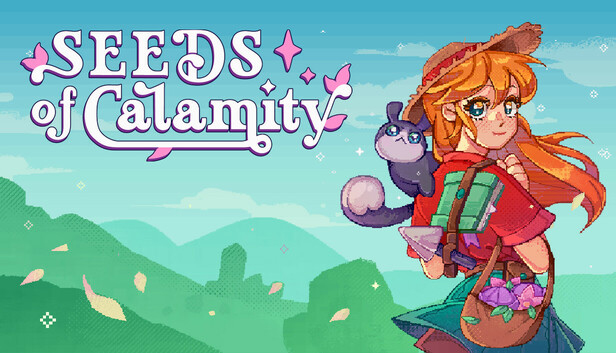
In a quiet wayside village you’d pass by in a classic JRPG – you and your fluffy Spellbook Companion tend your farm, help the community, and explore dungeons filled with challenge and treasure.
Twenty years after the Great Calamity, the land is finally recovering. As a young adventurer, you’ll leave the bustling capital to settle in a quiet village on the frontier. Here, you’ll build a cozy farm, help your neighbors, and uncover the small joys of life in a world healing from its past.
Tend crops, raise animals, and craft tools to grow your farm through the seasons! Help rebuild by sending resources to the capital and supporting your community. Celebrate the post-Calamity world with festivals, from harvest feasts to moonlit gatherings.
Beyond the village, dungeons brimming with monsters, treasures, and artifacts await discovery. With the help of your Spellbook Companion, battle slimes and bosses in accessible, turn-based combat. Gather rare resources to improve your farm and unlock new possibilities for growth.
The Spellbook Companion is your constant ally, guiding you through your journey. This magical friend helps you uncover hidden treasures, catalog recipes and quests, and even casts spells in battle. It’s more than a companion – it’s an essential part of your adventure.
Seeds of Calamity is designed with inclusivity in mind, featuring extensive accessibility options. Adjust controls, length of day, colors, difficulty, visuals, and more to ensure the game feels right for you.
Step into a world rebuilding from its past, one crop, friendship, and adventure at a time!