2026-10-23
BOO! Giveaway - Win a Game of Your Choice
Make a purchase of any amount between 23.10.2026 15:00 CET and 28.10.2026 15:00 CET, submit your Order ID in our Gleam and get a chance to win a FREE GAME (up to 50€).…



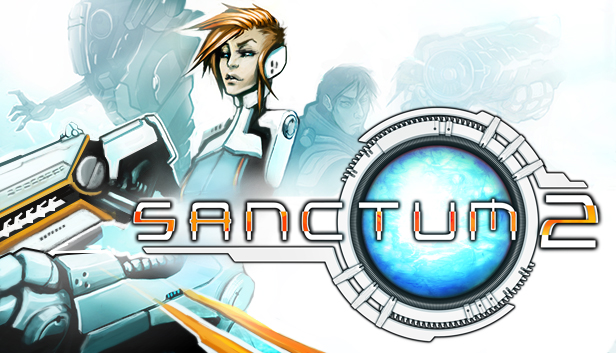
Sanctum 2 is the sequel to the world’s first Tower Defense/FPS hybrid game. Pick from four unique character classes and embark on a mission to protect the oxygen-producing Cores from hordes of deadly aliens who are threatened by their existence. Outfit your character exactly the way you want through the new and extensive customization system. Choose your own loadout of towers, weapons and perks, but choose wisely because you are humanity’s last defense against the unrelenting hordes set out to destroy it.
Sanctum 2 is a new game completely rebuilt from the ground up using community feedback and innovative design to really push the bar of what an independent studio can do.
Intense action – Deep strategy
In Sanctum 2, you will utilize elements from multiple gameplay genres to succeed. Construct towers and walls during the building phase before the enemies attack, then jump into the fray and blast everything to pieces in FPS mode. You can progress through the single-player campaign yourself, or play with up to four friends in co-op to discover the secrets of the planet LOEK III and learn the backstory on why the aliens are so intent on destroying the Cores you are sworn to protect.
Key Features:
Building on the success of the original game, Sanctum 2 stands alone as the only true FPS/Tower Defense hybrid. No other title delivers gameplay that seamlessly combines both genres.
© Copyright 2013 Coffee Stain Studios AB · All rights reserved