This content requires the base game in order to play:Railway Empire 2
Game Description
System Requirements
Activation Details
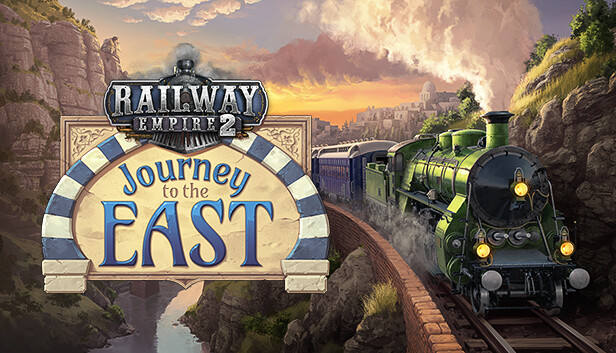
In Railway Empire 2 – Journey to the East you’ll embark on a mission to connect the European capitals to the Ottoman Empire. Starting out in Vienna, your enterprise will expand through the towering mountains of the Carpathians and the rough terrain of the Balkans before finally reaching the legendary city of Constantinople.
As a maverick entrepreneur of the late 1800s this challenging endeavour is rewarded with unimagined riches! Deploy new locomotives, produce and transport new goods, and attract wealthy travellers with the brand-new Luxury Rail Line mechanic, transporting them back and forth from the Danube river to the Bosporus.
Constantinople Calling: The first DLC for Railway Empire 2 introduces the new, fully voiced scenario, „Journey to the East“ (1881-1890).
Journey Eastward: Expand across Eastern Europe in the new regional map "Balkan", with new city buildings, plus a new station building for the southern regions of the map.
New and exotic luxuries: More than 10 new products including mediterranean olives, golden honey, and carpets of the finest fabrics.
Moving Through Mountains: 6 new powerful locomotives, such as the Bavarian S 3/6 and the CFR 142 Carpathian pride.
The Glamour of the Fin de Siècle: The new feature „Luxury Rail Line“ can be researched from 1870 onwards and provides you with new luxury wagons. You can also adjust the pricing for those lines to receive a higher revenue per passenger.
Ride with the Vibe: 10 new themed music tracks and 19 jingles to build immersion in the new campaign and map.
Sound card: DirectX compatible sound card with latest drivers
Additional notes: DirectX Version 11 and Shader Model 5.0. SSD recommended
To activate the game, you need a Steam Account
Login or register at the official Steam Website and download Steam client
Install and start application, login with your Account name and Password
Click the Games Menu.
Choose Activate a Product on Steam...
Follow the onscreen instructions to complete the process
After the successful code verification, go to the "MY GAMES" tab and start downloading.
News & Updates
2026-10-23
BOO! Giveaway - Win a Game of Your Choice
Make a purchase of any amount between 23.10.2026 15:00 CET and 28.10.2026 15:00 CET, submit your Order ID in our Gleam and get a chance to win a FREE GAME (up to 50€).…