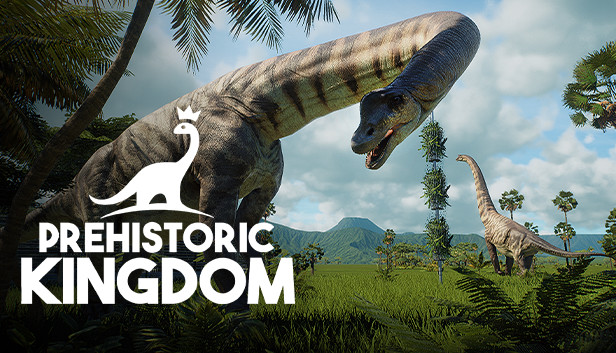
Take control of limitless power to build, manage and grow the ultimate zoo for extinct animals in Prehistoric Kingdom.
Build
Design and decorate beautiful habitats using an array of powerful creative tools. Grow jungles, carve rivers and raise mountains across the enormous playable area to create the perfect park for your specimens.
Unlock your creativity with robust modular building tools to construct housing and shelters by hand.
Manage
Take up the role of park manager by developing the infrastructure to care for guests, animals and staff alike. Ensure resources and safety is kept in-order to delay the inevitable!
Grow
From the majestic Woolly Mammoth to the mighty Tyrannosaurus rex, undo the rules of extinction by breeding a diverse selection of over 20 species of prehistoric wildlife.
Find new creatures and genetic skins by discovering genetic material from all over the world, unleashing unseen levels of customization and choice.
Login or register at the official Steam Website and download Steam client
Install and start application, login with your Account name and Password
Click the Games Menu.
Choose Activate a Product on Steam...
Follow the onscreen instructions to complete the process
After the successful code verification, go to the "MY GAMES" tab and start downloading.
News & Updates
2026-10-23
BOO! Giveaway - Win a Game of Your Choice
Make a purchase of any amount between 23.10.2026 15:00 CET and 28.10.2026 15:00 CET, submit your Order ID in our Gleam and get a chance to win a FREE GAME (up to 50€).…
Some functionality is not accessible when using the default controller configuration, requiring use of the touchscreen or virtual keyboard, or a community configuration
This game sometimes shows mouse, keyboard, or non-Steam-Deck controller icons
Entering some text requires manually invoking the on-screen keyboard
Some in-game text is small and may be difficult to read
This game requires manual configuration of graphics settings to perform well on Steam Deck
This game does not default to external Bluetooth/USB controllers on Deck, and may require manually switching the active controller via the Quick Access Menu