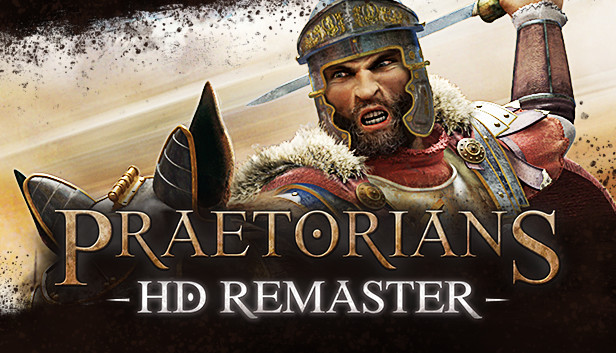
Relive the celebrated real-time strategy classic Praetorians, re-imagined in high definition. Praetorians is set amidst the political machinations of an emerging Roman Empire. Prove your worth on the battlefields of Egypt, the combat theaters of Gaul and finally the heart of the Empire itself in Italy, in the crusade to become Emperor. Your quest will not be an easy one, as the Empire is heavily defended by thousands of different troop types and war machines, all with special skills and individual strengths. To emerge victorious, you’ll need to learn to combine your units and exploit the weaknesses of your enemies. But beware – the closer you get to the Emperor, the closer you get to facing the Praetorian Guard – the most powerful and deadly fighting force in the Empire!
Features
The PC strategy classic, released on consoles for the first time
Re-imagined in high definition with reworked controls for consoles
Three different armies, each with their own unique strengths and weaknesses: Gauls, Egyptians and the Roman Legions
Over 20 campaign missions set in Egypt, Gaul and Italy
Unique sets of abilities and formations for different unit types and characters
Make use of different terrains and landscapes to plan your battles
Fast-paced action
windows Minimum
OS: 64-bit Windows 7 or higher
Processor: Intel Core i3-3220 (Dual-core with at least 3,3 Ghz)
Memory: 4 GB RAM
Graphics: 2GB dedicated VRam, e.g. Nvidia GeForce GT640
Storage: 3 GB available space
Directx: Version 11
Additional notes: Requires a 64-bit processor and operating system.
windows Recommended
OS: 64bit Windows 7 or higher
Processor: Intel Core i7-2620 (Dual Core with least 2.7 Ghz)
Memory: 8 GB RAM
Graphics: 4GB dedicated VRam, e.g. Nvidia Geforce GT680
Storage: 3 GB available space
Directx: Version 11
Additional notes: Requires a 64-bit processor and operating system.
To activate the game, you need a Steam Account
Login or register at the official Steam Website and download Steam client
Install and start application, login with your Account name and Password
Click the Games Menu.
Choose Activate a Product on Steam...
Follow the onscreen instructions to complete the process
After the successful code verification, go to the "MY GAMES" tab and start downloading.
News & Updates
2026-10-02
YXP Extra Event: Give Your Next Rank a Boost!
Earn 50 BONUS YXP with every €10+ order! Boost your progress, climb the ranks, and get more from your next purchase during the YXP Extra Event.