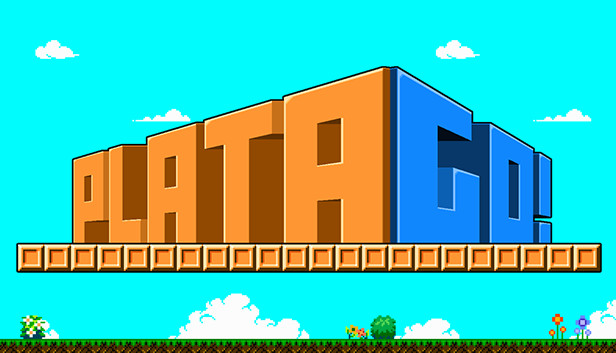
PlataGO! is the super-simple platform game maker that everyone, of all ages, can enjoy!
No need to code, no need for complex scripting - PlataGO! is a 100% Drag-and-Drop tool, that lets you start making platform games immediately. No fuss, no tutorial - just jump straight in and start creating!
Better yet, you can hit play and start playing your levels instantly, making testing your platform game as easy as possible! Everyone, regardless of their experience can create a simple level in just a few minutes.
Making a platform is as simple and clicking and dragging. Made a mistake? Use the eraser tool to fix! Want to place enemies? Just click drag and drop from the menu!
With a wide range of tiles, enemies and level furniture to chose from, you can let your imagination run wild! From bouncers, teleporters and cannons - to falling and moving platforms, laser traps and jetpacks.
PlataGO! also has a number of retro styles for a whole range of popular systems - make your platformer look right at home on NES, SNES, Amiga, Commodore 64 or Game Boy. A whole range of graphical styles are just a mouse click away!
At a glance features
Create and play your own platformer in minutes
Super simple drag and drop interface
Loads of built-in tiles, enemies, level features to play with
Instantly switch between graphical styles from retro consoles and computers
Fully editable. Make your own graphics and sprites, or import from other games
Share your creations with other users online
Link levels together to make much larger games and adventures
Graphics: Graphics card with DX10 (shader model 4.0)
Storage: 1 GB available space
Directx: Version 9.0
windows Recommended
OS: Windows 10
Processor: Intel(R) Core(TM) i7-7500U CPU @ 2.70GHz
Memory: 8 GB RAM
Graphics: Intel(R) HD Graphics 620
Directx: Version 9.0c
To activate the game, you need a Steam Account
Login or register at the official Steam Website and download Steam client
Install and start application, login with your Account name and Password
Click the Games Menu.
Choose Activate a Product on Steam...
Follow the onscreen instructions to complete the process
After the successful code verification, go to the "MY GAMES" tab and start downloading.
News & Updates
2026-06-11
Celebrate FIFA World Cup 2026 with YUPLAY
The FIFA World Cup 2026 is coming in hot this summer and while these coming weeks it is all going to be centered around the best game in the world of sports, we decided to bring you a dedicated YUPLAY giveaway to commemorate the occasion together! This promotional giveaway campaign invites all of our followers to try and predict the exact final scores of selected matches from the World Cup…
First V-Bucks, Now Steam Decks: Why Gaming is Getting More Expensive
Has gaming been steadily becoming more and more expensive lately? In the past months and quarters there has definitely been an increase in pricing in both the software and hardware departments of gaming and this trend has definitely stricken the market in more than a couple of ways. The industry has experienced a trend of gaming price increases as well as more expensive subscriptions…