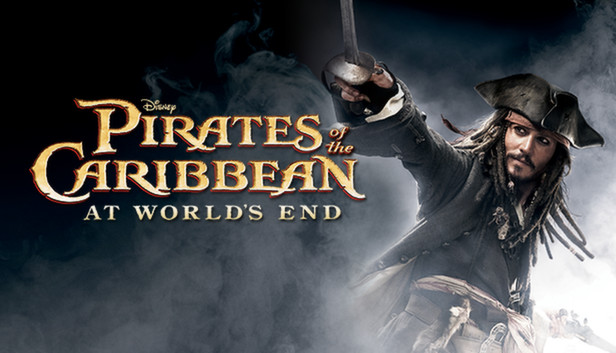
Inspired by the events and locations of the blockbuster film Pirates of the Caribbean: At World's End and 2006's smash hit Dead Man's Chest, POTC: At World's End sees familiar pirates fighting notorious villains on the decks and riggings of massive ships, exploring towns and jungle-filled islands, and avoiding underwater terrors in adventures on the high seas.
Live and die by the sword as you venture to the worlds of the films and beyond, playing as characters including Captain Jack Sparrow, Will Turner and Elizabeth Swann. You'll need your wits about you as you recreate memorable moments from the movies, including the waterwheel fight and the battle against the demonic Kraken.
Hone your swordsmanship skills throughout the game, unlocking new combos and special moves, and develop your notoriety to become the most fearsome pirate in history. From islands and pirate ships in the Caribbean to the streets of historical Singapore, adventures lie ahead in the Pirates of the Caribbean: At World's End
Key Features
Fight like a pirate to develop your sword fighting skills as you battle Davy Jones' underwater army
Play a range of pirate mini-games, including Pirate Poker and Pirate Dice
Take on your friends in Challenge Mode to prove once and for all who is the scurviest of them all
OS: Windows XP, Windows Vista (Windows x64 NOT supported)
Processor: Pentium 4 class or AMD Athlon processor, 1.5 GHz
Memory: 256 MB RAM
Graphics: 64 MB DirectX 9.0c-compatible, 3D video card (NVIDIA GeForce, ATI Radeon, or equivalent) with Hardware Transform and Lighting capability.
Storage: 1434 MB available space
Additional notes: Integrated (built-in) onboard video cards are not supported by this game.
To activate the game, you need a Steam Account
Login or register at the official Steam Website and download Steam client
Install and start application, login with your Account name and Password
Click the Games Menu.
Choose Activate a Product on Steam...
Follow the onscreen instructions to complete the process
After the successful code verification, go to the "MY GAMES" tab and start downloading.
News & Updates
2026-07-15
Celebrate FIFA World Cup 2026 with YUPLAY
The FIFA World Cup 2026 is coming in hot this summer and while these coming weeks it is all going to be centered around the best game in the world of sports, we decided to bring you a dedicated YUPLAY giveaway to commemorate the occasion together! This promotional giveaway campaign invites all of our followers to try and predict the exact final scores of selected matches from the World Cup…
The Best Warhammer 40K Games Every Fan Should Play (Part II)
Last time we discussed many awesome gaming titles that belong in the Warhammer 40k universe and even though we previously covered a lot of battlegrounds, there are still plenty of others left to be overviewed, this is why we are happy to deliver on our given promise and are bringing you the other hit games that we would recommend to check out on Steam, if you have not done so already…
Some functionality is not accessible when using the default controller configuration, requiring use of the touchscreen or virtual keyboard, or a community configuration
This game sometimes shows mouse, keyboard, or non-Steam-Deck controller icons
This game doesn't support Steam Deck's native display resolution and may experience degraded performance
In-game interface text is legible on Steam Deck
This game's default graphics configuration performs well on Steam Deck