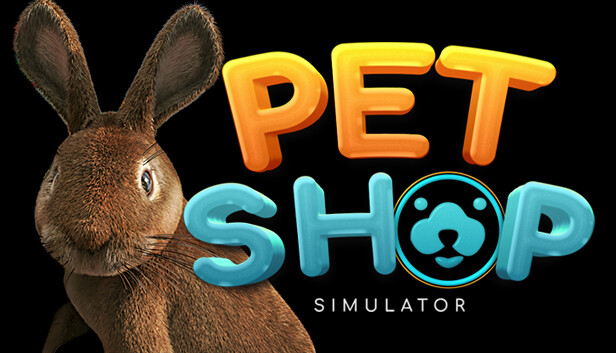
Your main task in Pet Shop Simulator will be to run a pet shop. Your duties will include not only finding wonderful new homes for the animals, but also ensuring that they have a wonderful and prosperous life. Therefore, supplement your store with the right assortment so that when you give your pet back, provide it with the right accessories.
Make your customers' dreams come true
All sorts of customers will come to your pet shop. From the elderly to parents with children, or students. Each of them will have specific preferences regarding the pet they want to surround with their care and love. Your role will be to make their dreams come true and find them a perfect home.
Make sure you have the right equipment for your pets
Choosing the right pets for your clients is not all you need to spend time on. It is equally important to provide each pet with the appropriate food, equipment, and accessories that they will take with them. You have to make sure that you choose the right cage size for your pets, offer the best food, brushes for combing fur, and remember about toys and treats. Every detail will translate into the well-being of the pet and the knowledge of the new owner!
Manage and take care of your pet shop
As the owner of a pet shop, one of the challenges that await you in the game will be the proper management of the entire shop. Check the assortment of stores, make orders, import specialized equipment at the request of your customers. Proper management of your business will bring you many benefits, but also will allow you to find a perfect home for your pets.
Develop your pet business
Manage and develop your pet shop, expanding its space, possibilities and assortment. Take care of your customers and their opinion, buy new properties nearby and grow your business!
windows Minimum
Processor: Intel Core i3 3.0 GHz
Memory: 8 GB RAM
Graphics: NVidia GeForce GTX 780
Storage: 6 GB available space
Directx: Version 11
windows Recommended
Processor: Intel Core i5 3.4 GHz
Memory: 12 GB RAM
Graphics: NVidia GeForce GTX 970
Storage: 10 GB available space
Directx: Version 11
To activate the game, you need a Steam Account
Login or register at the official Steam Website and download Steam client
Install and start application, login with your Account name and Password
Click the Games Menu.
Choose Activate a Product on Steam...
Follow the onscreen instructions to complete the process
After the successful code verification, go to the "MY GAMES" tab and start downloading.
News & Updates
2026-08-21
The Biggest Games to Steal the Show at Gamescom 2026
Gamescom 2026 is coming at the end of this month with more than 900 exhibitors and we just wanted to showcase some of the upcoming games in the AAA titles category that you should definitely check out! So, be sure to go through our shortlisted future release hits in most gaming genre types, as we get ready to once again explore the world of Gamescom…
ACE COMBAT 8 Could Be the Series’ Most Ambitious Entry
The upcoming Ace Combat 8: Wings of Theve marks a completely new chapter in the popular flight shooting series, by effectively blending cinematic storytelling with the thrills of aerial combat like never before. Developed by Bandai Namco Aces Inc., the game will build upon the decades of established expertise in order to further boost the series’ strong sides…