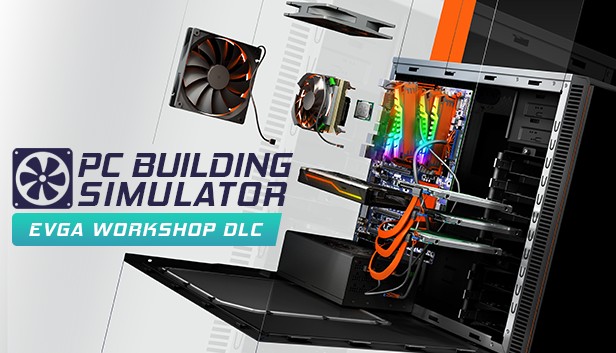
Welcome to the brand new EVGA workshop inspired by the EVGA Game Arena. Build and test cutting edge PCs, customise your supersized display, and check out the interactive GPU exhibits.
Created in collaboration with the EVGA design team, this high-tech command centre is focused around a huge customisable display. You can add your own custom wallpapers to the display alongside a video of EVGA’s latest parts!
Once purchased, you can use this workshop in both Career and Free Build modes of the game, and switch between available workshops whenever you feel like a change of scenery.
Graphics: GeForce GTX 660 (2048 MB) or Radeon R9 285 (2048 MB) - Integrated GPUs may work but are not supported.
Directx: DirectX compatible
To activate the game, you need a Steam Account
Login or register at the official Steam Website and download Steam client
Install and start application, login with your Account name and Password
Click the Games Menu.
Choose Activate a Product on Steam...
Follow the onscreen instructions to complete the process
After the successful code verification, go to the "MY GAMES" tab and start downloading.
News & Updates
2026-10-23
BOO! Giveaway - Win a Game of Your Choice
Make a purchase of any amount between 23.10.2026 15:00 CET and 28.10.2026 15:00 CET, submit your Order ID in our Gleam and get a chance to win a FREE GAME (up to 50€).…