
2026-10-23
BOO! Giveaway - Win a Game of Your Choice
Make a purchase of any amount between 23.10.2026 15:00 CET and 28.10.2026 15:00 CET, submit your Order ID in our Gleam and get a chance to win a FREE GAME (up to 50€).…



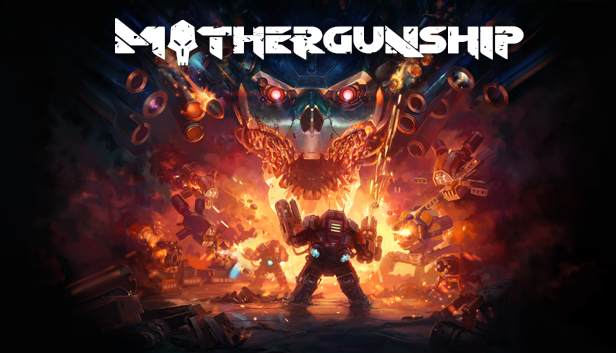
MOTHERGUNSHIP mixes bullet-hell intensity with the FPS genre, and brings one of the largest gun customization options seen in video games. It’s up to you to equip your over-the-top arsenal and defeat a robotic alien armada that has conquered Earth.
Craft gun monstrosities that no reasonable person could ever lift, fight gigantic bosses and experience randomized mayhem as you battle your way to the heart of the fleet to destroy the MOTHERGUNSHIP!
FIGHT
Face off against overwhelming odds in brutal, non-stop combat where thinking on your feet is the only way to survive. Dodge hundreds of bullets with unique FPS/Bullet-hell hybrid gameplay. Each ship hosts hordes of alien machines, deadly traps, and intimidating bosses, all set on preventing you from saving humanity. Go get ‘em.
CRAFT
To take down the MOTHERGUNSHIP, you’ll need your very own personalized arsenal of destruction. Luckily, in MOTHERGUNSHIP you can create the gun of your dreams with one of the most modular gun-crafting systems ever seen in a videogame. Want to have twelve-barrel gun that shoots homing rockets? Or do you prefer a lightning shotgun? And what gun wouldn’t look better with a fishtank affixed to the top? Go for it! The design of your destructive arsenal is in your hands.
RESIST
Join the ranks of the resistance against the robotic alien invasion. Destroy hordes of metallic fiends and earn your way to the Mothergunship! Fight together with a friend in a full co-op experience, while you work together to cut through the alien fleet and reach that ultimate goal – bringing down the MOTHERGUNSHIP.