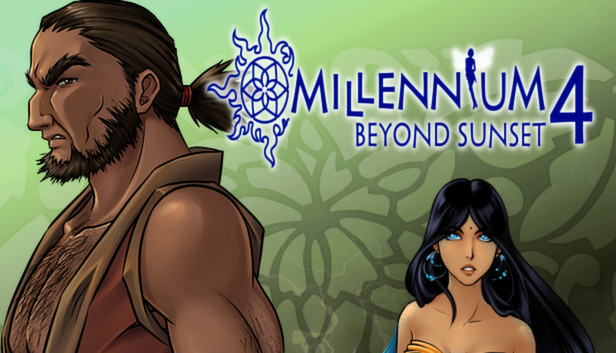
Marine and her friends have six days to find the four remaining warriors and make it to the showdown! With such tight schedule and dramatic events piling up, Marine's nerves are all over the place. But Jeanne the tiny fairy is back! And this alone helps even the balance!
Millennium 4 is the most suspenseful, thrilling and emotional Millennium installment so far.
15+ character
25+ secret rooms
25+ quests
20+ hours of gameplay
Battle superb monsters including 9 Animal Kings
Awesome production values
Aldorlea Games. All rights reserved - 2009, 2015
windows Minimum
OS: Windows XP/Windows Vista/Windows 7/8
Processor: 1.6 GHz
Memory: 128 MB RAM
Graphics: DirectX 9.0 Compatible
Storage: 200 MB available space
Sound card: DirectX 9.0 Compatible Sound
To activate the game, you need a Steam Account
Login or register at the official Steam Website and download Steam client
Install and start application, login with your Account name and Password
Click the Games Menu.
Choose Activate a Product on Steam...
Follow the onscreen instructions to complete the process
After the successful code verification, go to the "MY GAMES" tab and start downloading.
News & Updates
2026-10-23
BOO! Giveaway - Win a Game of Your Choice
Make a purchase of any amount between 23.10.2026 15:00 CET and 28.10.2026 15:00 CET, submit your Order ID in our Gleam and get a chance to win a FREE GAME (up to 50€).…
This game sometimes shows mouse, keyboard, or non-Steam-Deck controller icons
This game does not default to external Bluetooth/USB controllers on Deck, and may require manually switching the active controller via the Quick Access Menu
All functionality is accessible when using the default controller configuration
In-game interface text is legible on Steam Deck
This game's default graphics configuration performs well on Steam Deck