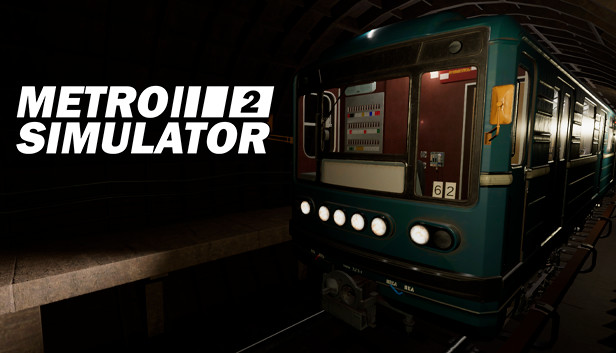
Metro Simulator 2 is a unique game featuring recreated Moscow Metro and realistic train controls.
Various game modes
In Free Mode, you can choose your role: Train driver or Passenger. You can choose station or dead end where you start the game by yourself. You can drive on the line without passengers, but in any time you can set the desired route and set up the schedule. It's important to follow it and depart from stations in time!
In Scenarios, conditions are pre-determined. You'll face different unusual situations which may occur in Metro. Listen to dispatcher's orders and follow them.
Moscow Metro Line 6: 24 stations, various tunnels and objects inside them
By using modern technologies, the game delivers all the experience of Russian capital's subway. Stations on this line were built in different time periods, so they reflect their era's developments.
Advanced speed control system
Speed control system will allow to prevent collisions and other unwanted events. Keep an eye on speedometer value and traffic lights ahead, and your drive should be alright.
Main characters of the game are trains
Two trains are featured in the game, and each one has its own controls. They are equipped with all basic functionality for safe passenger transportation.
windows Minimum
OS: Microsoft® Windows® 7 or later 64-bit OS required
Processor: Intel Core i5-4460 or AMD equivalent
Memory: 4 GB RAM
Graphics: Geforce GTX 950 or Radeon R9 280 (no support for onboard cards)
Storage: 4 GB available space
Sound card: DirectX® Compatible
windows Recommended
OS: Microsoft® Windows® 10 or later 64-bit OS required
Processor: Intel Core i7-9700K or AMD equivalent
Memory: 8 GB RAM
Graphics: Geforce GTX 1070 or AMD Radeon RX 590
Storage: 4 GB available space
Sound card: DirectX® Compatible
To activate the game, you need a Steam Account
Login or register at the official Steam Website and download Steam client
Install and start application, login with your Account name and Password
Click the Games Menu.
Choose Activate a Product on Steam...
Follow the onscreen instructions to complete the process
After the successful code verification, go to the "MY GAMES" tab and start downloading.
News & Updates
2026-08-21
The Biggest Games to Steal the Show at Gamescom 2026
Gamescom 2026 is coming at the end of this month with more than 900 exhibitors and we just wanted to showcase some of the upcoming games in the AAA titles category that you should definitely check out! So, be sure to go through our shortlisted future release hits in most gaming genre types, as we get ready to once again explore the world of Gamescom…
ACE COMBAT 8 Could Be the Series’ Most Ambitious Entry
The upcoming Ace Combat 8: Wings of Theve marks a completely new chapter in the popular flight shooting series, by effectively blending cinematic storytelling with the thrills of aerial combat like never before. Developed by Bandai Namco Aces Inc., the game will build upon the decades of established expertise in order to further boost the series’ strong sides…