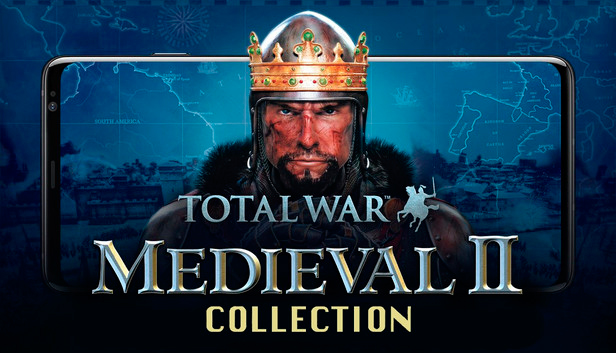
Medieval II: Total War is the fourth instalment in the Total War franchise following the million unit selling Rome: Total War.
An epic 450 year campaign challenges you to seize control of the medieval world. Fight across Europe, The Middle East and, for the first time ever in Total War, discover the New World and the fearsome Aztecs.
A redesigned graphics engine displays Total War’s signature 10,000 man battles in unparalleled detail, making Medieval II: Total War the most glorious looking RTS game of all time. Varied terrain and individual faces, armour and combat animations make battles more visceral than ever before.
However you must also build and manage your kingdom, balancing the needs of your economy, military and population happiness.
Experience religious fervour as you contend with the whims of the Papacy and the feared Inquisitors eager to quash heresy. Send your men to fight in The Crusades or wage Jihad as one of the great Muslim nations.
Medieval II: Total War is the greatest Total War game to date and sure to seize a position as one of the greatest PC RTS games ever made.
A grand campaign spanning 1080 – 1530 and based within Europe, The Middle East and South America.
21 factions and 250 new units.
Religious fervour. Play as a Christian nation and choose to obey or defy the pope. Play as a Muslim faction and wage Jihad upon the infidels.
Deeper diplomatic gameplay. Establish trade routes, send spies to enemy territory, marry daughters to ensnare rival generals or assassinate the Pope to place your cardinals within the Vatican.
Outstanding, genre leading graphics. Vastly improved multiplayer making online faster to setup and enjoy.
windows Minimum
OS: Microsoft® Windows® 2000/XP
Processor: Celeron 1.5GHz Pentium 4® (1500MHz) or equivalent AMD® processor
Memory: 512 MB
Graphics: 128MB Hardware Accelerated video card with Shader 1 support and the latest drivers. Must be 100% DirectX® 9.0c compatible
Storage: 11 GB
To activate the game, you need a Steam Account
Login or register at the official Steam Website and download Steam client
Install and start application, login with your Account name and Password
Click the Games Menu.
Choose Activate a Product on Steam...
Follow the onscreen instructions to complete the process
After the successful code verification, go to the "MY GAMES" tab and start downloading.
News & Updates
2026-07-20
Our Way of Saying Thank You
Great games are nothing without loyal gamers and we're grateful to have such an amazing community that supports our store. That’s why we’re launching our special “YUPLAY Is Feeling Generous” campaign as a way of saying “Thank you”. During this campaign, with every order over €30 you will receive a free 10% discount code that can be used during your next purchase…
The FIFA World Cup 2026 is coming in hot this summer and while these coming weeks it is all going to be centered around the best game in the world of sports, we decided to bring you a dedicated YUPLAY giveaway to commemorate the occasion together! This promotional giveaway campaign invites all of our followers to try and predict the exact final scores of selected matches from the World Cup…