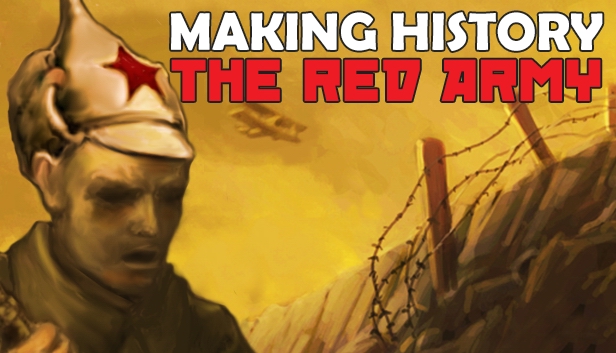
The first expansion to the acclaimed WWI strategy game Making History: The Great War takes the action into the turbulent period as the war is ending and empires are falling. The Russians have already quit the war and fallen into civil war, and on the western front the final showdown is in progress. Who will emerge with the spoils?
Key Features:
New Late War Scenario: "Armistice and Carnage" begins in September of 1918 as the war is reaching it's climax in the West and in the East the Russian Empire has already fallen into Civil War.
New Features: Upgrade land units, convert Cruisers to Carriers, break down ships for Steel, and more!
New Nations: Play as the Soviet Socialist Republic, the White Movement, or many of the other successor states of the falling empires.
15 New Unit Types: New land, air, and naval units, including Light and Heavy Bombers, extend the action into the post-war period.
4 New City Buildings: New upgrade options for your core city infrastructure are now available.
19 New Research Projects: Research tree has been extended to unlock new capabilities and upgrades, including Turret Mounted Guns and Air Carrier Operations.
New 3D Models: Coastal Batteries, 9 new nationalities added and unique model sets, resource prospecting, and more!
windows Minimum
OS: Windows 10 / Windows 8 / Windows 7 / Windows Vista / Windows XP with Service Pack 2
Processor: Pentium 4 or better
Memory: 2 GB RAM
Graphics: 256 MB DirectX 9.0c-Compliant, Shader 2.0 3D Video Card
Processor: Intel Core 2 Duo (PowerPC not supported)
Memory: 2 GB RAM
Storage: 1 GB available space
linux Minimum
OS: Ubuntu 12.04 or later
Processor: Intel Core2 Duo 2.4Ghz or Higher / AMD 3Ghz or Higher
Memory: 2 GB RAM
Storage: 1 GB available space
To activate the game, you need a Steam Account
Login or register at the official Steam Website and download Steam client
Install and start application, login with your Account name and Password
Click the Games Menu.
Choose Activate a Product on Steam...
Follow the onscreen instructions to complete the process
After the successful code verification, go to the "MY GAMES" tab and start downloading.
News & Updates
2026-10-23
BOO! Giveaway - Win a Game of Your Choice
Make a purchase of any amount between 23.10.2026 15:00 CET and 28.10.2026 15:00 CET, submit your Order ID in our Gleam and get a chance to win a FREE GAME (up to 50€).…