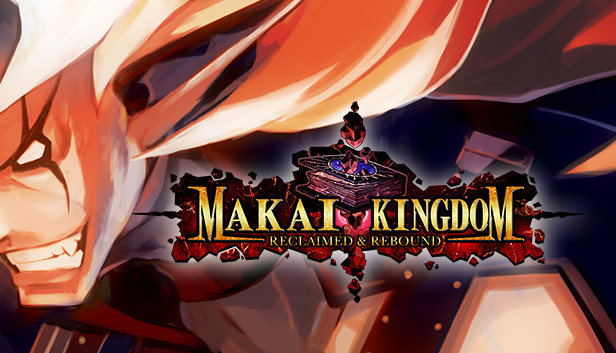
What’s an Overlord to do when your Netherworld is destroyed and you’ve managed to just barely save your own life by sealing your soul in a sacred tome? In this strategy RPG, you take on the role of Overlord Zetta, Overlord of Overlords, in his quest to reclaim his Netherworld and his body after a destructive prophecy came true and his entire Netherworld was wiped off the map.
Using cunning strategies, ultra-powerful magic, and a vast range of crazy deadly weapons, Lord Zetta aims to take control of his enemies’ lands. Using a feature unique to this battle system, you can summon your army via the INVITE system to do your bidding on the battlefield and dominate your foes! This iteration of Makai Kingdom also includes the western debut of Petta Mode where you can discover the origin story of Zetta’s daughter from the future.
windows Minimum
OS: Windows 10
Processor: Intel Core2 Quad Q9300 2.5 GHz
Memory: 2 GB RAM
Graphics: Radeon HD 5450
Storage: 1 GB available space
windows Recommended
OS: Windows 10
Processor: Intel Core i5-4670K
Memory: 4 GB RAM
Graphics: Geforce GT 640, Radeon HD 6450
Storage: 1 GB available space
To activate the game, you need a Steam Account
Login or register at the official Steam Website and download Steam client
Install and start application, login with your Account name and Password
Click the Games Menu.
Choose Activate a Product on Steam...
Follow the onscreen instructions to complete the process
After the successful code verification, go to the "MY GAMES" tab and start downloading.
News & Updates
2026-11-06
Win GTA VI for PS5 with YUPLAY
Want to get your hands on GTA VI for PS5? We're giving one lucky winner the chance to win a copy of Grand Theft Auto VI. Head over to our X giveaway, follow YUPLAY, repost, and leave a comment for your chance to win.
This game does not default to external Bluetooth/USB controllers on Deck, and may require manually switching the active controller via the Quick Access Menu
All functionality is accessible when using the default controller configuration
This game shows Steam Deck controller icons
In-game interface text is legible on Steam Deck
This game's default graphics configuration performs well on Steam Deck