2026-10-02
YXP Extra Event: Give Your Next Rank a Boost!
Earn 50 BONUS YXP with every €10+ order! Boost your progress, climb the ranks, and get more from your next purchase during the YXP Extra Event.



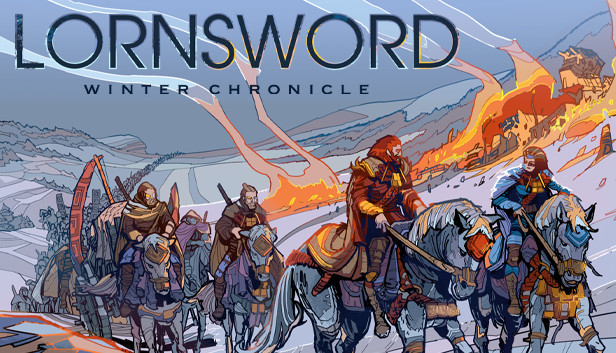
Lornsword Winter Chronicle is a story-driven action strategy game. Be the general on the battlefield: take direct action to command your soldiers and set up your economy.
Tactics through Action
Control your hero directly: Fight, lead, explore, capture, summon...Execute your tactics in a heartbeat.
Strategy through planning
Set up your army over time: Manage gold, food, battle fronts, unit types, building upgrades...Organize your global strategy on several fronts, orienting your economy and relying on your troops intelligence to execute your orders.
Follow the chronicle of the Lorn Empire
You are Corun Lan Ka and the Winter Chronicle is seen through your eyes. The eyes of a Lornknight serving the Empire... and destined to see much more than that.
Choose your difficulty through the story
The Winter Chronicle is told through chapters, each of them lets you choose which battle you want to wage next and what level of challenge you seek. If a specific battle is too hard, try it on another difficulty setting. If you really don’t like it, then skip it altogether: each chapter can be won without winning all of its battles.
Drop in co-op mode
A friend can join you at any point in a battle, no need to restart it or even pause the game... you will share screen space, resources and summons with your ally. If your ally has to drop out, that can also be done instantly, letting you continue your battle in solo mode.
Plays best with a controller!
Playing Lornsword Winter Chronicle is played with a controller: you can connect any controller to your computer... Xbox, Playstation and Steam controllers are fully supported.