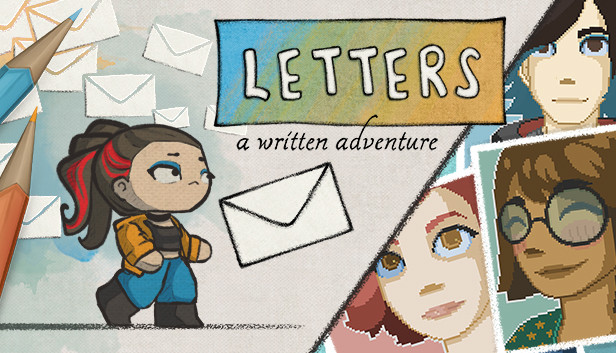
Handwritten nostalgia Journey back to the 90s and move through beautifully hand-drawn letters, as you follow the life of Sarah. Learn more about her friends, nerdy obsessions or why she has the most annoying sister ever.
Then go digital as Sarah grows older. Revel in the nostalgic pixel world of the early 2000s internet while navigating all the drama, anxiety and joys of teenagehood.
Shape your future Watch Sarah grow up and make decisions that will change how her life will turn out as an adult (no pressure). Take revenge on your sister, play video games all day or fall in love. It’s all up to you.
Don’t like the outcome? Just go ahead and rewrite her story. (See? we told you, no pressure.)
Power of words In a world made from paper and computers, words matter. So use them to change drawings that block your way, help friendly characters and interact with Sarah's friends.
Finding the right words is hard sometimes. Especially for shy people like Sarah. So help her by breaking them apart and creating new ones for her to use instead.
Playfully wholesome Letters is a cozy, often funny, sometimes sad game about friendship, growing up and finding your way in life. Explore Sarah’s colorful world and use the power of words to change her life!
Or… just stack cats or something.
FEATURES
innovative word-based riddle mechanic, you've never seen before
relatable coming of age story, inspired by real-life
branching storyline where you can discover new possibilities with every playthrough
beautifully hand-drawn visuals & pixel art evolving with Sarah’s age
comfy, playful & casual game that focuses on narration and having fun with words
good for practicing English skills in a fun way
QUICK FACTS language: English playtime: approx. 3 hours (1 playthrough)
OS: Windows Vista®, Windows® 7, Windows® 8, Windows® 10
Processor: 2 GHz Dual Core
Memory: 4 GB RAM
Graphics: nVidia® 8800 GT / AMD® 4670 or faster
Storage: 1 GB available space
Directx: Version 9.0c
To activate the game, you need a Steam Account
Login or register at the official Steam Website and download Steam client
Install and start application, login with your Account name and Password
Click the Games Menu.
Choose Activate a Product on Steam...
Follow the onscreen instructions to complete the process
After the successful code verification, go to the "MY GAMES" tab and start downloading.
News & Updates
2026-03-16
Celebrate the Spring by Draining Yuplay’s Profit
Spring time always comes with a sense of freshness and revitalization, so we decided to take a risk make a special storewide promotion that would absolutely kill our profit (and probably get our boss angry). All you have to do to participate is make an order of at least 20€ between 17.03.2026 15:00 CET and 23.03.2026 15:00 CET, and you will get a FREE game coming straight out of our pockets…
Even though Friday the 13th is widely considered as an unlucky date, we at YUPLAY are trying to flip the script for that and turn it into a lucky day for you and this time is not an exception to the rule! We are delighted to announce our FRIDAY 13TH promo and you should absolutely read on the article in order to find out how to best take advantage of this campaign and turn your luck in the right direction for the occasion…