2026-10-23
BOO! Giveaway - Win a Game of Your Choice
Make a purchase of any amount between 23.10.2026 15:00 CET and 28.10.2026 15:00 CET, submit your Order ID in our Gleam and get a chance to win a FREE GAME (up to 50€).…



King's Bounty Platinum Edition includes:
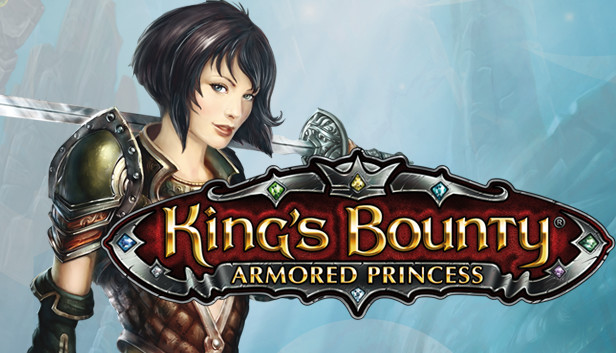
King's Bounty: Armored Princess
King's Bounty: Armored Princess is a sequel to the critically acclaimed King’s Bounty: The Legend. Players will take on the role of Princess Amelie who travels around the world of Teana and searches for the renowned knight, and her mentor, Bill Gilbert. This new world of King’s Bounty: Armored Princess is full of mysteries and dangers. The new character, the Princess, will encounter horrible creatures, huge monstrous bosses and a new race, the bloodthirsty Lizards. As in the multi-award winning game on which this sequel is based, the player has many options to resist these new enemies. Various new skills and characteristics of Amelie as well as her chance to fly will help her overcome the hordes attacking the kingdom.
King's Bounty: Crossworlds
King’s Bounty: Crossworlds is the expansion for the famous King's Bounty: Armored Princess role-playing game. The new release in the series will include the “Orcs on the March” expansion, the two new independent campaigns “Champion of the Arena” and “Defender of the Crown” and a convenient editor with help system. This editor will allow you to create additional content for the game and alter it in any way you wish.
King's Bounty: The Legend
King's Bounty: The Legend is an adventure game with tactical turn-based battles and role-playing elements. In a fairy tale fantasy world of fearless knights, evil mages, wise kings and beautiful princesses the player controls a hero. Leading their character through the game world, exploring it, commanding armies in battle and accomplishing various quests can mean great reward or huge defeats.