2026-10-02
YXP Extra Event: Give Your Next Rank a Boost!
Earn 50 BONUS YXP with every €10+ order! Boost your progress, climb the ranks, and get more from your next purchase during the YXP Extra Event.



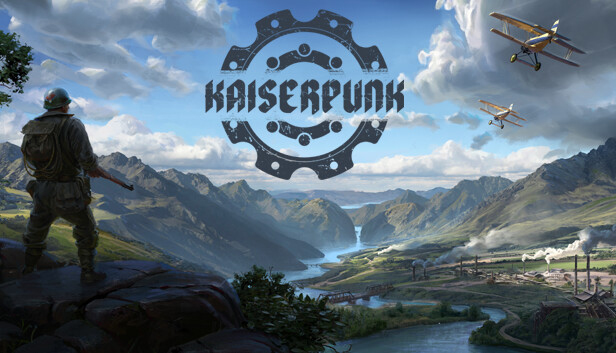
Build your city, forge your empire, and conquer the world in Kaiserpunk, the Grand City Builder set in an alternative history from 1918 to 1945 – the 'Interbellum Era'. After WWI, city-states rise from the ashes, each vying for dominance.
As a ruler, you'll manage your city, drive its industrialization, and build a military across land, sea, and air to conquer rivals or defend your territory. With deep production focused city building and warfare on a global scale, the way you develop your city will determine your ability to dominate.
Shape your city from the ground up. Build housing, set up logistics, establish industry, provide public services and connect your city. From simple zeppelins to mighty bombers, new technology unlocks over 90 buildings and many different upgrades based on how you build your city. Keep the morale of the citizens high, ensure they’re employed, and have them contribute to the economy as your 20th-century metropolis rises to greatness.
From trees to newspapers and ore to bullets, your city's industries must run efficiently—and it's up to you to make it happen.
Fine-tune your economy, trade, and manage over 90 deep, interconnected production chains to meet the demands of your growing empire. Set up efficient logistics and ensure your goods reach the right destinations, even experienced armies lacking supplies will get you nowhere.
As your city-state rises from the ashes of the Great War, you’ll encounter other emerging city-states, each vying for power. Will you forge alliances or seize dominance through open conflict with your rivals?
With 100 different regions to conquer, choose your strategies and harness your resources to wage war across land, sea, and air—expanding the influence of your great empire.