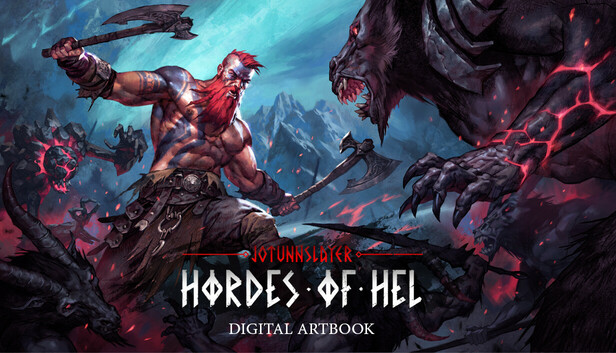
The official artbook of Jotunnslayer: Hordes of Hel showcases the artistry behind the game. Explore the creation of its mythical world with a collection of concept art, character designs, and vivid environments that bring the Nordic realms to life.
To locate the artbook after purchase, follow these steps:
Open your Steam library.
Right-click on the installed game and select "Properties".
Navigate to the "Installed Files" tab, then click "Browse".
In the opened folder, you should find a PDF titled "Jotunnslayer Hordes of Hel - Digital Artbook"
Processor: Intel® Core™ i7-6700 or AMD™ Ryzen 5 2600x
Memory: 8 GB RAM
Graphics: NVIDIA® GeForce® GTX 960 or Intel® Arc™ A380
Storage: 15 GB available space
Directx: Version 11
Additional notes: System Requirements subject to change as development continues
windows Recommended
OS: Windows 10 64bit
Processor: Intel® Core™ i7-8700 or AMD™ Ryzen 7 3700x
Memory: 8 GB RAM
Graphics: NVIDIA® GeForce® GTX 1060 or Intel® Arc™ A580
Storage: 15 GB available space
Additional notes: System Requirements subject to change as development continues
To activate the game, you need a Steam Account
Login or register at the official Steam Website and download Steam client
Install and start application, login with your Account name and Password
Click the Games Menu.
Choose Activate a Product on Steam...
Follow the onscreen instructions to complete the process
After the successful code verification, go to the "MY GAMES" tab and start downloading.
News & Updates
2026-10-23
BOO! Giveaway - Win a Game of Your Choice
Make a purchase of any amount between 23.10.2026 15:00 CET and 28.10.2026 15:00 CET, submit your Order ID in our Gleam and get a chance to win a FREE GAME (up to 50€).…