2026-10-02
YXP Extra Event: Give Your Next Rank a Boost!
Earn 50 BONUS YXP with every €10+ order! Boost your progress, climb the ranks, and get more from your next purchase during the YXP Extra Event.



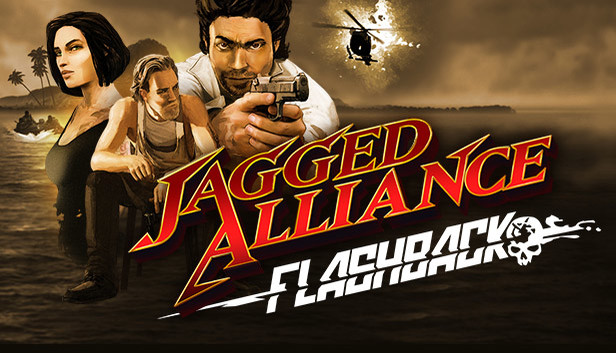
Jagged Alliance is back – and it is all about the unique mix of turn based tactics, fierce battles, squad management and crazy mercenary personalities.
It is 1988 on the Caribbean island group of San Hermanos. A corrupt leader has the islands in his grasp ... yet a group of rebels fights for democratic values and freedom. However, once the head of the rebels is arrested, the insurgents quickly dissolve. Arriving on the island, the player’s mission is to help the rebellion before things take a turn for the worse.
Take control of your own band of mercenaries, lead them into battle and manage your resources wisely. Fight back for freedom, sector by sector, turn by turn. Like the original Jagged Alliance series, Jagged Alliance Flashback gives you the choice to use your preferred tactics and build your squad around it – rush in with heavy armed troops or take the high road of distance shots and sniping.
More features and content will be added on a regular basis, and together with your feedback and support we will shape this game to be the best Jagged Alliance game yet! Please feel free to give us your comments, your thoughts and your recommendations. We listen to every one of you.
Jagged Alliance: Flashback © 2014. Jagged Alliance is a registered trademark of bitComposer Entertainment AG. Published under license to Full Control ApS. All other trademarks are the property of their respective owners. All rights reserved.