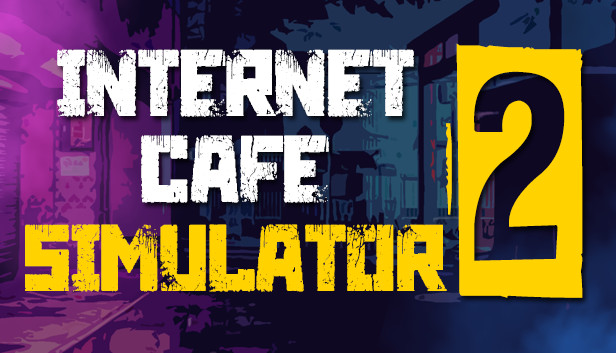
The second game of the series contains much more detailed and different new mechanics.
Build a great internet cafe. Don't let street thugs and mobsters take your money. They can even throw a bomb inside your cafe.
You can attract more customers on rainy days. Increase the skills you want to develop from the tech tree. Will you become a business prodigy or a brawler skilled at protecting his cafe?
You have to earn money to pay off your brother's debt!
Keep guards. Prepare meals for your customers. Install generators for power outages.
Improve computers. Purchase game licenses. Delight customers. Turn a ruin into a great cafe.
As a decent person, he can proceed normally. Or you could get involved in completely illegal business.
windows Minimum
Processor: 2 GHz Dual Core CPU
Memory: 4 GB RAM
Graphics: Intel HD Graphics 4000 or better
Storage: 7 GB available space
windows Recommended
OS: Windows 10
Processor: 2.5 GHz Dual Core CPU
Memory: 6 GB RAM
Graphics: Geforce GTX 970/Radeon RX470 or better
Storage: 7 GB available space
To activate the game, you need a Steam Account
Login or register at the official Steam Website and download Steam client
Install and start application, login with your Account name and Password
Click the Games Menu.
Choose Activate a Product on Steam...
Follow the onscreen instructions to complete the process
After the successful code verification, go to the "MY GAMES" tab and start downloading.
News & Updates
2026-10-23
BOO! Giveaway - Win a Game of Your Choice
Make a purchase of any amount between 23.10.2026 15:00 CET and 28.10.2026 15:00 CET, submit your Order ID in our Gleam and get a chance to win a FREE GAME (up to 50€).…
Some functionality is not accessible when using the default controller configuration, requiring use of the touchscreen or virtual keyboard, or a community configuration
This game sometimes shows mouse, keyboard, or non-Steam-Deck controller icons
Entering some text requires manually invoking the on-screen keyboard
Some in-game text is small and may be difficult to read
This game's default graphics configuration performs well on Steam Deck